Calculate Your Home Office Power Needs: Step-by-Step Guide
Short answer
To calculate your home office power needs, add up the wattage of all devices: laptop (30-65W), monitor (20-50W), router (10-15W), and peripherals (5-20W). A typical home office draws 80-150 watts total. Multiply this by the hours you need backup to get required watt-hours (Wh) for your UPS or power station.
Why accurate calculation matters
Oversizing your backup power wastes money on capacity you will never use. Undersizing it leaves you without power during an outage. The sweet spot comes from knowing your actual load, not guessing based on adapter ratings.
Most people make the mistake of adding up the maximum wattage printed on power adapters. A 65W laptop charger does not mean your laptop always draws 65W. During normal office work, it typically uses 25-35W. The adapter rating is the maximum it can supply, not what the device constantly consumes.
The measurement method
The most accurate way to find your power needs is to measure real consumption:
Step 1: Buy or borrow a plug-in watt meter (costs $15-30).
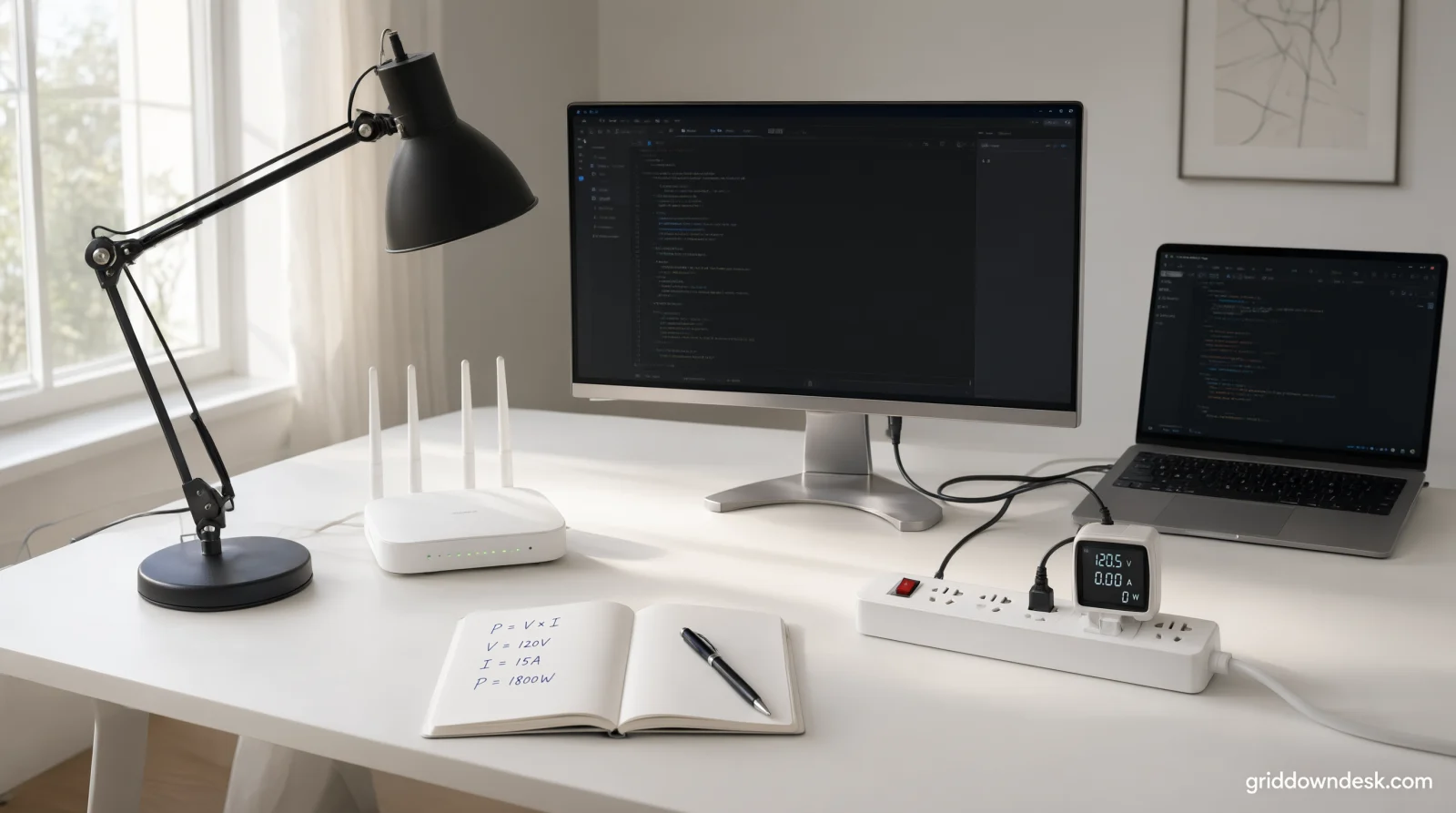
Step 2: Plug all your office devices into a power strip, then plug the strip into the watt meter.
Step 3: Run your normal workflow for at least one hour. Do video calls, browse, write documents.
Step 4: Note both the average wattage and the peak wattage. The average tells you runtime needs; the peak tells you minimum UPS output capacity.
Example readings from a typical setup:
- Idle (screen off): 15W
- Normal work (browser, documents): 45W
- Video conference (Zoom/Teams): 75W
- Peak (all devices active): 95W
The estimation method
If you cannot measure, use these typical values as a starting point:
| Device | Typical Wattage | Notes |
|---|---|---|
| Laptop (13-15 inch) | 30-45 W | Light work, 50% brightness |
| Laptop under heavy load | 60-85 W | Video editing, gaming |
| 24-inch LED monitor | 25-35 W | 50-70% brightness |
| 27-inch LED monitor | 35-50 W | 50-70% brightness |
| Wi-Fi router | 10-15 W | Standard home router |
| Modem (cable/DSL) | 8-12 W | Separate from router |
| External hard drive | 5-10 W | USB-powered |
| Desk lamp (LED) | 8-12 W | Adjustable brightness |
| Webcam | 3-5 W | USB-powered |
| Phone charging | 5-18 W | Varies by phone model |
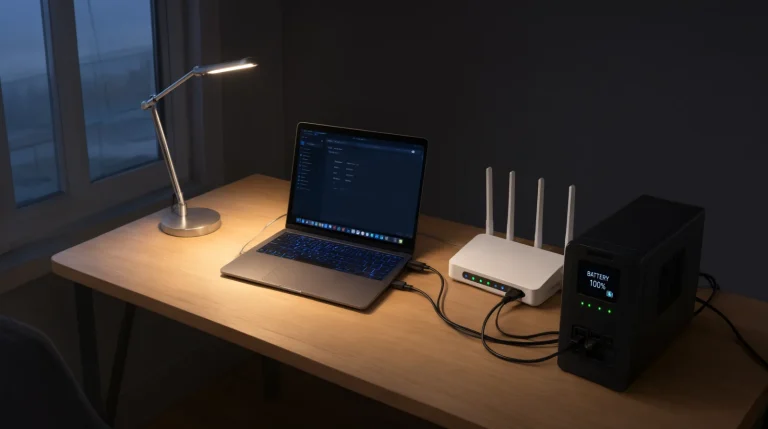
Total for basic setup: Laptop (35W) + Monitor (30W) + Router (12W) = 77W average
Total for full setup: Add desk lamp, webcam, and external drive = 95-105W average
Converting to battery capacity
Once you know your wattage, calculate the battery capacity you need:
Formula: Required Wh = Total Watts × Hours of Backup × Safety Factor
The safety factor accounts for inverter losses and battery aging. Use 1.25 for a 25% margin.
Example: You need 4 hours of backup for a 100W office setup.
Required Wh = 100W × 4h × 1.25 = 500Wh
This means you need a power station or UPS with at least 500Wh of usable capacity. For lead-acid batteries, double this number because you can only use 50% of the rated capacity.
For more details on UPS sizing, see our guide on UPS runtime explained.
Common mistakes to avoid
Ignoring startup surges. Some devices, especially monitors and external drives, draw 2-3x their normal power for a split second when turning on. Your UPS must handle these surges.
Forgetting about the router. When the power goes out, internet goes out unless you back up the router and modem. These draw 20-25W combined and are essential for remote work.
Counting VA instead of W. A 1000VA UPS with 600W rating cannot power a 700W load, even though 1000 sounds bigger than 700. Always check the W (watt) rating.
Assuming laptop battery is enough. A laptop battery gives you 2-4 hours, but your router will die in 30 minutes without backup. You lose internet even though the laptop is still running.
FAQ
Should I include my desktop computer in the calculation? Yes, but desktops draw much more than laptops. A typical office desktop uses 100-150W, and a gaming desktop can use 300-500W under load. Always measure or check the PSU rating.
Do I need to count USB devices like mouse and keyboard? No. USB mice, keyboards, and webcams draw less than 1W each. They are negligible in the total calculation.
What about a printer? Laser printers draw 300-600W when printing and should not be plugged into a UPS. Inkjet printers draw 15-30W but are only used occasionally. Do not include them in your continuous load calculation.
How do I know if my UPS can handle my load? Check the W (watt) rating on the UPS label, not the VA number. Your total load in watts must be less than the UPS watt rating, with at least 20% headroom for safety.