UPS Sizing for Gaming PCs: A Complete Guide
Short answer
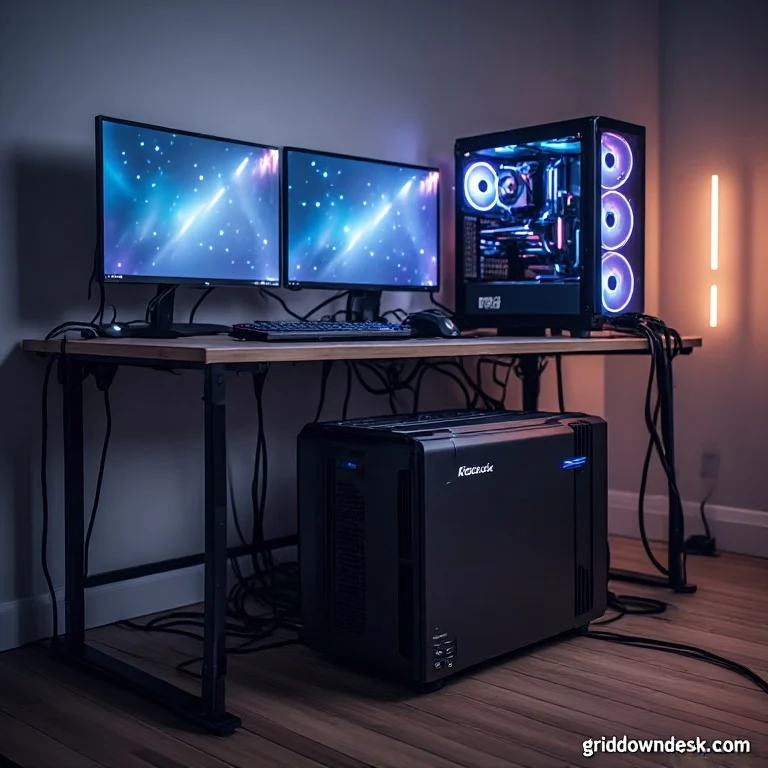
To protect a mid-range to high-end gaming PC, you need a pure sine wave UPS with a continuous wattage rating of at least 1000W to 1500W, and a battery capacity of 900Wh to 1500Wh. This setup will not let you game for hours during an outage, but it provides a crucial 10 to 15-minute window to save your progress, close applications safely, and shut down the system without corrupting your SSD or damaging components.
Why gaming PCs are hard on UPS systems
Gaming computers present unique challenges for backup power compared to standard office laptops or servers:
- High Peak Power Draw: A system with a modern GPU (e.g., RTX 4070 or higher) and a high-end CPU can easily draw 600W to 800W under full gaming load.
- Transient Power Spikes: Modern GPUs are known for micro-second power spikes that can exceed their rated TDP by 50% or more. A GPU rated for 300W might briefly spike to 450W.
- Active PFC Power Supplies: Most quality gaming PC power supplies (PSUs) use Active Power Factor Correction (PFC). These PSUs are highly sensitive to the shape of the AC waveform and can shut down or make loud buzzing noises if fed a cheap "modified sine wave" from a budget UPS.
Calculating your real power load
Do not guess your power draw. To size your UPS correctly, you must calculate the maximum potential load. For a detailed breakdown of measurement methods, see our guide on how to calculate your home office power needs.
Step 1: Add component TDPs. Add the Thermal Design Power (TDP) of your CPU and GPU. For example, a 125W CPU + 300W GPU = 425W.
Step 2: Add peripherals. Include two monitors (60W total), motherboard/RAM/fans (50W), storage drives (20W), and speakers (20W). Total baseline = ~575W.
Step 3: Apply a safety margin. Multiply the total by 1.25 to 1.30 to account for PSU inefficiency (usually 85-90% efficient at full load) and transient GPU spikes.
- 575W × 1.30 = 747W minimum continuous UPS wattage requirement.
Therefore, a UPS rated for only 600W output is insufficient, even if its box says "1000VA". You must look at the Watt (W) rating, not the VA rating.
The runtime reality check
Many gamers buy a UPS expecting to continue playing during a blackout. This is a misconception. As explained in our guide on UPS runtime explained: VA vs watt-hours, runtime is dictated by battery capacity, not output wattage.
A typical 1500VA / 1000W UPS contains two 12V 9Ah lead-acid batteries, totaling about 216Wh of raw capacity. After accounting for inverter efficiency and safe discharge limits, you get roughly 130Wh of usable energy.
Runtime at 750W load: 130Wh ÷ 750W = ~10 minutes.
This is exactly enough time to pause your game, save, and shut down Windows gracefully. It is not enough time to finish a match. If you need longer runtime, you must look into portable power stations with 1000Wh+ capacity, though they are significantly more expensive.
Essential features for a gaming UPS
When shopping, ensure the unit has these three features:
- Pure Sine Wave Output: Mandatory for Active PFC power supplies. It prevents shutdowns, buzzing, and long-term damage to your PSU capacitors.
- Automatic Voltage Regulation (AVR): Also known as a line-interactive UPS. AVR corrects minor brownouts and overvoltages without switching to battery power, saving your battery cycles for actual blackouts.
- USB Data Port: Allows you to connect the UPS to your PC via USB. You can then use software (like the manufacturer's app or Windows built-in power settings) to trigger an automatic, safe shutdown if the battery drops below 20% and you are away from the keyboard.
FAQ
Can I plug my gaming monitor and speakers into the UPS? Yes, and you should. Plug all critical components (PC, monitors, router, external drives) into the "Battery Backup + Surge Protection" outlets. Plug non-essential items (desk lamps, phone chargers) into the "Surge Protection Only" outlets to save battery capacity.
Will a UPS protect my PC from lightning strikes? A UPS provides excellent surge protection for everyday grid fluctuations and nearby lightning-induced spikes. However, for a direct lightning strike to your home's power lines, no consumer UPS is sufficient. You need a whole-house surge protector installed at your main electrical panel.
How often should I replace the UPS battery for a gaming setup? Gaming UPS units cycle their batteries more frequently due to AVR usage and occasional outages. Plan to replace the internal lead-acid batteries every 3 to 4 years to ensure they can still handle the high-wattage load when needed.
Can I use a portable power station instead of a traditional UPS? Yes, if it has a pure sine wave inverter and a capacity of 1000Wh or more. However, most portable power stations lack the USB data communication required for automatic PC shutdown, meaning you must monitor the battery level manually.