4G LTE Modem Blackout Backup Guide
Short answer
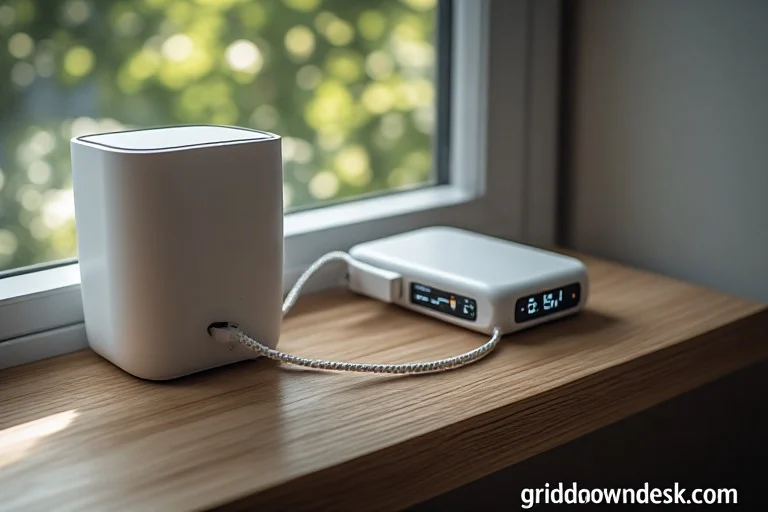
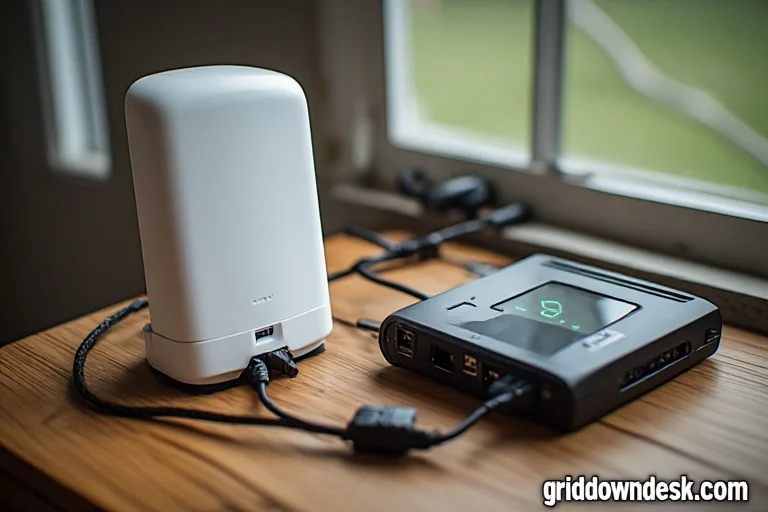
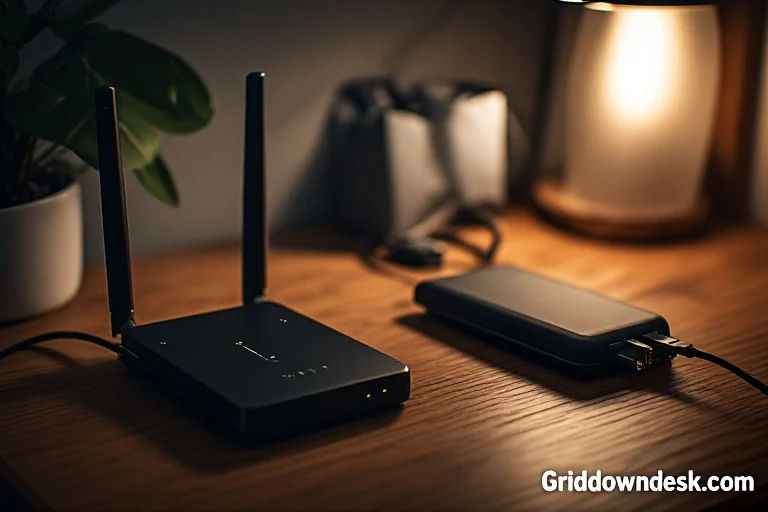
A dedicated 4G LTE mobile router or USB modem draws only 3W to 8W of power. Paired with a standard 20,000mAh (74Wh) power bank, this setup can provide continuous, reliable internet access for 8 to 12 hours during a blackout, making it the most efficient and cost-effective backup for remote workers and emergency communication.
The cellular backup reality
When the grid fails, residential fiber-optic and cable internet connections usually go down with it. The optical network terminals (ONT) and cable modems in your home, as well as the neighborhood nodes, lose power.
Cellular networks (4G LTE and 5G), however, are designed with robust backup systems. Cell towers typically have 24 to 72 hours of battery or generator backup. Therefore, a local cellular modem is often the only way to maintain internet connectivity during a prolonged local outage.
Real-world power consumption breakdown
Not all cellular devices are created equal. Their power draw varies significantly based on form factor and signal strength.
| Device Type | Typical Power Draw | Notes |
|---|---|---|
| USB Cellular Dongle | 2W – 4W | Must be plugged into a laptop or power bank. Highly efficient. |
| Dedicated 4G LTE Mobile Router | 5W – 8W | Includes Wi-Fi broadcasting. Draw increases if multiple devices connect. |
| Smartphone Hotspot | 3W – 6W (extra) | Using a phone as a hotspot drains its battery 2x to 3x faster than normal use. |
| 5G Home Internet Gateway | 10W – 15W | Significantly higher power draw due to complex 5G modems and larger antennas. |
Critical Note: Poor cellular signal is the #1 cause of high power consumption. If the modem struggles to maintain a connection, it boosts its radio transmission power, which can double the wattage draw and rapidly drain your battery.
Calculating the cellular runtime
To estimate how long your backup internet will last, we use the standard runtime formula. For a detailed breakdown of this math, see our guide on UPS runtime explained: VA vs watt-hours.
Runtime (hours) = (Power Bank Capacity in Wh × 0.90) ÷ Modem Wattage
Note: We use 0.90 for efficiency to account for minor losses in USB voltage conversion (5V to 12V, if applicable) and cable resistance.
Example Calculation:
- You have a standard 20,000mAh power bank.
- Capacity in Wh: (20,000 mAh × 3.7V) ÷ 1000 = 74 Wh.
- Your 4G LTE mobile router draws 6W continuously.
- Usable energy: 74 Wh × 0.90 = 66.6 Wh.
- Runtime: 66.6 Wh ÷ 6W = 11.1 hours.
If you use a simple USB dongle drawing only 3W, that same power bank will last over 22 hours.
Best practices for maximizing cellular backup
- Find the sweet spot for signal: Before an outage, use your smartphone to test signal strength (look for LTE bands and signal bars) near different windows. Place your modem in the location with the strongest, most stable signal to minimize radio power drain.
- Disable 5G if unnecessary: If your primary goal is battery longevity and basic connectivity (email, messaging, light browsing), force the modem to use 4G LTE only. 5G modems consume significantly more power and generate more heat.
- Use Ethernet over Wi-Fi: If your mobile router has an Ethernet port, connect your laptop directly via cable. This allows you to turn off the modem's Wi-Fi radio, saving 1W to 2W of continuous power.
- Invest in a high-quality power bank: Ensure your power bank supports "pass-through charging" or has a low-current mode. Some power banks automatically shut off if the connected device (like a modem) draws less than 50mA, which can happen during brief moments of low data activity.
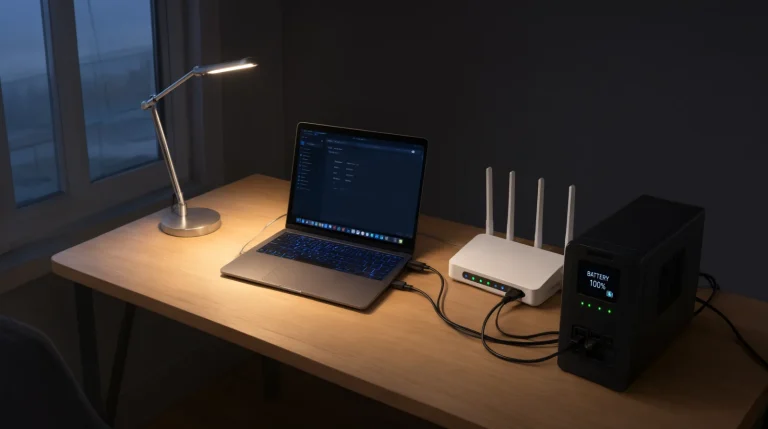
For a broader strategy on setting up your entire desk for autonomy, refer to our guide on home office blackout survival kit.
What NOT to do during a blackout
- Do not rely solely on a smartphone hotspot for extended periods. The heat generated by simultaneous cellular transmission, Wi-Fi broadcasting, and screen usage will degrade the phone's battery health over time and may cause thermal throttling.
- Do not place the modem in a metal enclosure. A metal box or filing cabinet will act as a Faraday cage, blocking the signal entirely and causing the modem to max out its transmission power, draining the battery in minutes.
- Do not ignore data caps. Cellular backup is for essential communication, not 4K video streaming or large game downloads. Check your mobile plan's hotspot data limits to avoid expensive overage charges or severe throttling.
FAQ
Can I use a power station to power my 4G modem? Yes, but it is overkill and inefficient. Using a large power station's AC inverter to power a small USB modem wastes 15%+ of the energy. A simple, direct 5V USB power bank is the most efficient and cost-effective solution.
Will a cellular modem work if the cell towers lose power? Major carriers prioritize backup power for their cell towers. While a catastrophic, multi-day regional grid failure could eventually exhaust tower generators, localized blackouts (storms, grid maintenance) rarely affect cellular coverage.
How do I know if my power bank is draining too fast? If a 20,000mAh power bank drains in less than 4 hours while powering a modem, the modem is likely struggling with a very poor signal. Try repositioning the device or using an external antenna if the modem supports it.
Can I leave the modem and power bank plugged in permanently as a failover? Yes. Many users keep a dedicated 4G router plugged into a power bank, which is in turn plugged into the wall. If the main internet fails, the modem is already powered and ready to provide instant backup connectivity.