Mesh Wi-Fi Blackout Power: Whole-Home Coverage Guide
Short answer
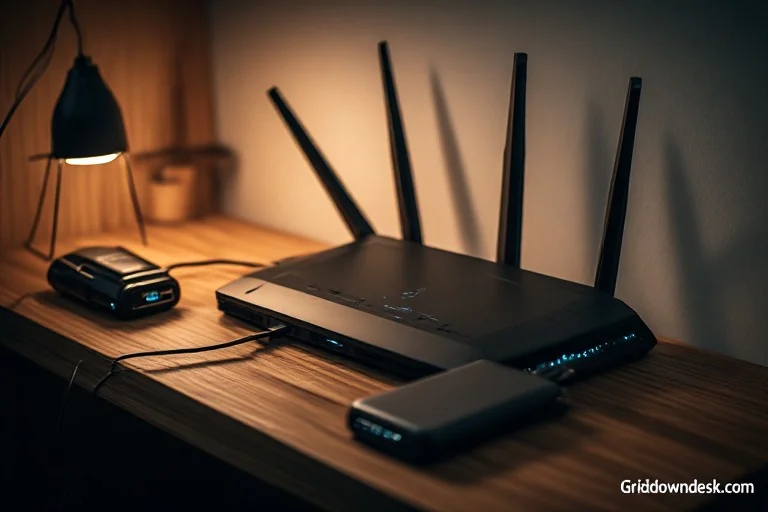
To maintain seamless Wi-Fi coverage throughout your home during a blackout, you must power not only the main router but also the satellite Mesh nodes. A standard Mesh node draws only 4W to 7W. Using compact, localized power sources (like mini UPS units or power banks) for each node allows you to maintain whole-home coverage for 12 to 24 hours, completely avoiding the safety hazards and voltage drop associated with running long extension cords from a central power station.
The "Single Router" illusion
When planning backup power, a common mistake is plugging only the main router into a UPS, assuming its signal will penetrate the entire house.
In reality, 5GHz Wi-Fi signals (which provide high-speed data) struggle to pass through concrete walls and floors. Without active satellite nodes, remote rooms, basements, or home offices instantly become dead zones. However, these nodes require power. Attempting to power them from a central station using 30-foot extension cords creates severe trip hazards, aesthetic chaos, and significant voltage drop. Decentralized, localized power is the only practical and safe solution.
Real-world Mesh node power consumption
Modern Mesh systems are highly optimized for low idle power draw, as they are designed to run 24/7.
Typical power consumption:
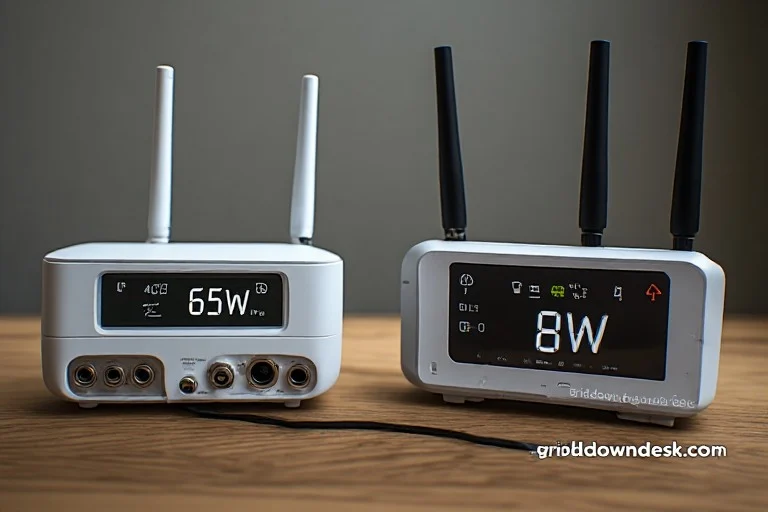
- Main Node (with modem/wan routing): 6W – 10W continuous.
- Satellite Node (Standard): 4W – 7W continuous (idle to moderate load).
- Gaming/Flagship Node (with extra radios): 8W – 12W continuous.
- Average Node Load: ~5W for calculation purposes.
Note: Power draw may temporarily spike by 1W-2W during large file transfers or firmware updates, but the average baseline remains highly efficient.
Calculating your Mesh network runtime
Because each node's load is small and predictable, even modest batteries provide impressive runtime. For foundational battery math, see our guide on home backup power calculator sizing.
Formula: Runtime (hours) = (Power Source Capacity in Wh × 0.90) ÷ Node Power Draw (W)
Example Calculation (One Satellite Node):
- Node power draw: 5W.
- Power source: Compact 20,000mAh power bank (74Wh).
- Usable energy (at 90% conversion efficiency): 74 Wh × 0.90 = 66.6 Wh.
- Runtime: 66.6 Wh ÷ 5W = ~13.3 hours.
If you have three nodes in your home, you would deploy three such power banks. This is significantly cheaper, safer, and more scalable than buying one massive power station and running dozens of feet of cabling.
Best practices for Mesh survival
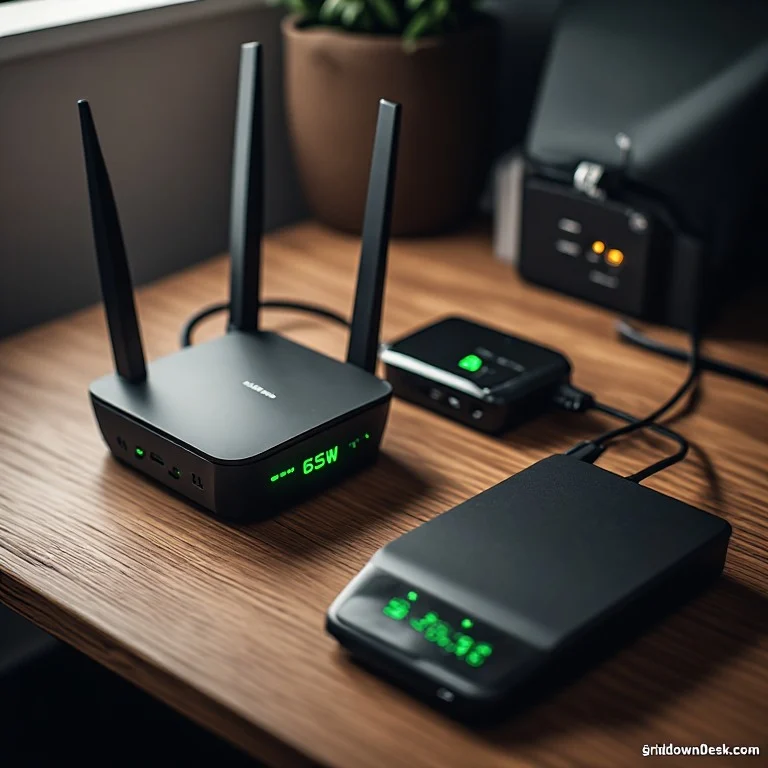
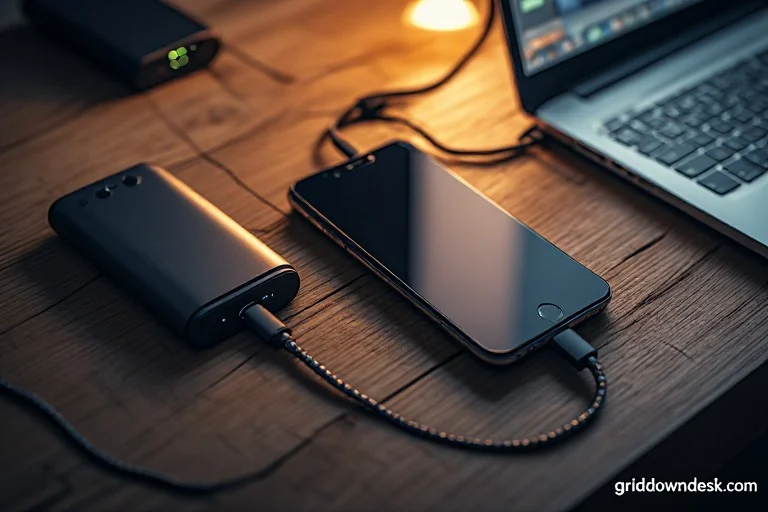
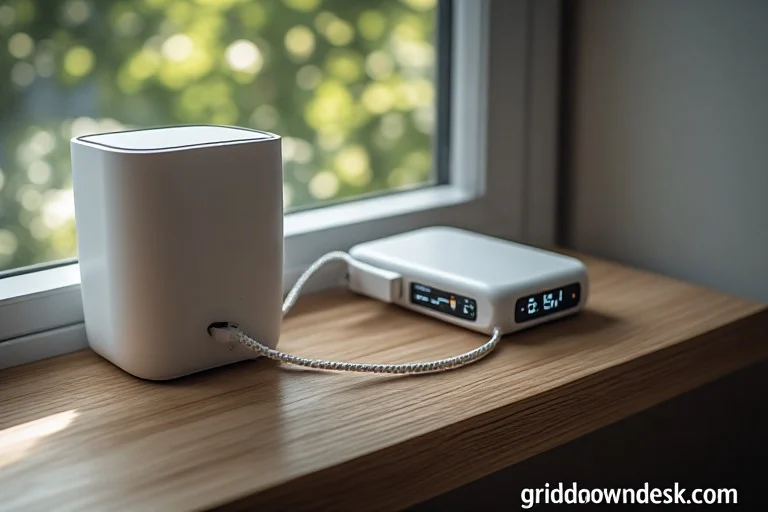
- Localized USB Power: Most modern Mesh nodes (e.g., TP-Link Deco, eero, Google Nest) can be powered via a standard 5V/2A or 5V/3A USB-C or Micro-USB port. Use a high-quality power bank with "Pass-Through Charging" so it can charge from the grid when power is available, and seamlessly power the node when the grid fails.
- Leverage PoE for Stationary Nodes: If your Mesh nodes support Power over Ethernet (PoE), connect them to a central PoE switch that is backed up by a single, larger UPS. This is the most professional and reliable method, eliminating the need for individual batteries at each node.
- Disable Unused Radios: In the Mesh system's app, disable the Guest Wi-Fi network and, if applicable, the 6GHz radio (unless you have specific devices that require it). This can reduce each node's power draw by 1W–1.5W, compounding into significant daily savings.
- Strategic Node Placement: During an extended outage, you may not need coverage in every bedroom. Unplug nodes in rarely used areas to extend the battery life of the power banks dedicated to critical zones (like your home office or kitchen).
Maintaining your network readiness
Power banks and mini UPS units distributed throughout a home require discipline. Set a calendar reminder to check their charge levels monthly. Lithium-ion cells should never be stored in a fully depleted state. For comprehensive battery care instructions that apply to these smaller cells as well, see our guide on how to maintain and store your portable power station.
FAQ
Can a standard smartphone power bank run a Mesh node? Yes, absolutely. A standard 5V/2A (10W) or 5V/3A (15W) USB output on a phone power bank easily covers the power requirements of 95% of modern Mesh satellite nodes.
What happens to the network if one node's battery dies? Modern Mesh systems feature self-healing protocols. If one node drops offline due to battery depletion, traffic is automatically rerouted through the remaining active nodes. Coverage will be lost in that specific room, but the rest of the network will remain stable and functional.
Is it safe to leave a power bank plugged into the node 24/7? Yes, provided the power bank supports high-quality power management and pass-through charging. It will power the node directly from the wall, bypassing unnecessary charge/discharge cycles on its internal battery, which actually extends the battery's lifespan.
Can I use a small solar panel to keep the node's power bank charged? Theoretically yes, but practically it is inefficient due to the small capacity of the power bank and conversion losses. It is far more reliable to use a centralized PoE switch setup with a single, larger solar panel, as detailed in our guide on Wi-Fi bridge and outdoor CPE blackout power.