Starlink vs 4G LTE: Real Power Consumption Comparison
Short answer
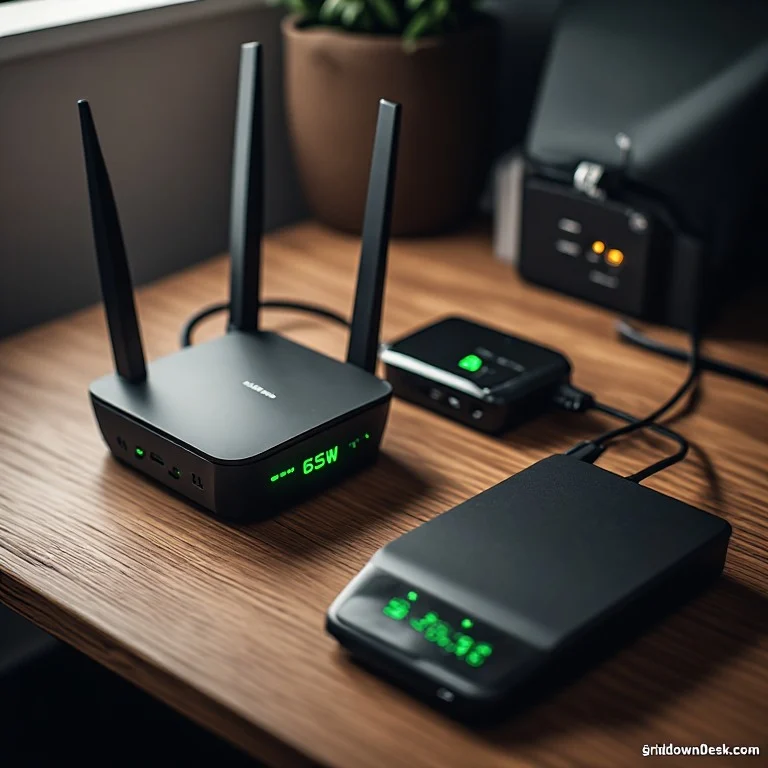
For battery-powered backup internet, a 4G LTE router is vastly more energy-efficient, drawing only 5W to 10W continuously. In contrast, a standard Starlink setup draws 50W to 75W (and up to 100W+ in bad weather). A 500Wh power station will run a 4G LTE network for 40 to 70 hours, but will only power Starlink for 5 to 7 hours. Choose 4G LTE for multi-day autonomy; choose Starlink only if you have high-capacity solar recharging or need high-bandwidth for a few critical hours.
The "Bandwidth vs. Battery" reality
When planning for a blackout, users often default to Starlink because of its superior speed and reliability. However, physics dictates that processing high-frequency satellite signals and powering motorized phased-array antennas requires significant energy.
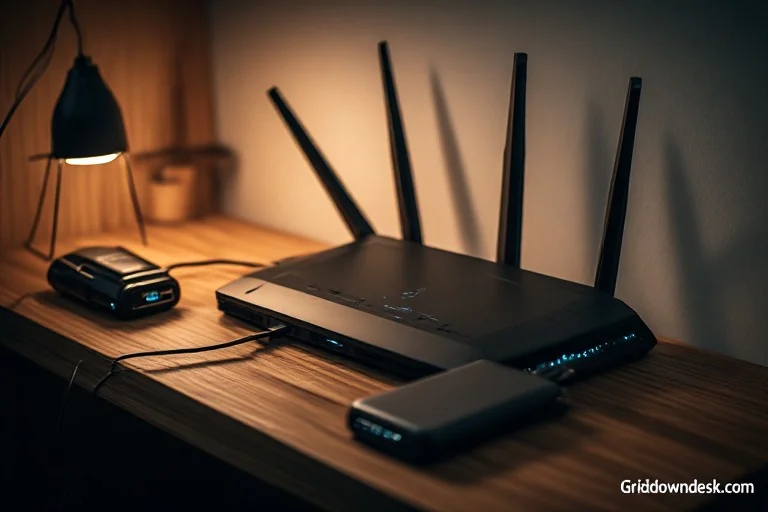
A 4G LTE modem, by contrast, communicates with a local cell tower just a few kilometers away, requiring a fraction of the transmission power. If your primary goal is to keep essential communications (email, messaging, light browsing) alive for multiple days on a limited battery, 4G LTE is the undisputed champion of efficiency.
Real-world power consumption breakdown
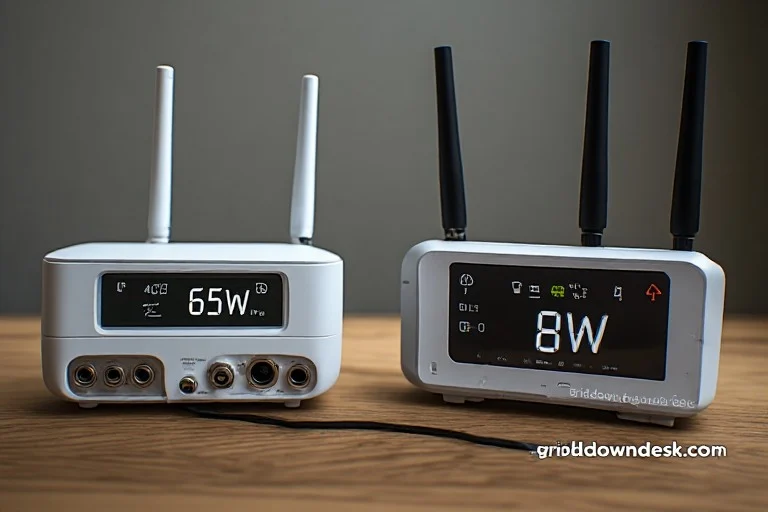
We measured the actual DC power draw of common backup internet solutions under stable signal conditions.
| Device Type | Average Power Draw | Peak Power Draw (Bad Weather/Startup) | Runtime on 500Wh Battery* |
|---|---|---|---|
| 4G LTE Router (with Wi-Fi) | 6W – 9W | 12W – 15W | 45 – 65 hours |
| Starlink Mini | 25W – 40W | 50W (Snow Melt) | 10 – 16 hours |
| Starlink Gen 3 (Standard) | 50W – 75W | 100W – 120W | 5 – 8 hours |
| Starlink Gen 2 (Rectangular) | 60W – 80W | 110W – 130W | 4.5 – 7 hours |
*Runtime calculated at 90% DC efficiency. For exact battery math, see our guide on mAh to Wh battery capacity calculator.
Note: Starlink's "Snow Melt" or heavy rain modes can temporarily double power consumption, drastically reducing battery life if not manually disabled.
Calculating the cost of connectivity
To make an informed decision, calculate how much battery capacity your internet choice will consume per day.
Formula: Daily Consumption (Wh) = Average Wattage × 24 hours
- 4G LTE Daily Cost: 8W × 24h = 192 Wh per day. (Easily sustainable with a single 100W solar panel).
- Starlink Gen 3 Daily Cost: 65W × 24h = 1,560 Wh per day. (Requires multiple large solar panels or a massive battery bank to sustain continuously).
If you only need internet for 2 hours a day to check emails and sync files, Starlink's daily cost drops to 130Wh, making it a viable "burst use" option on a smaller battery.
Best practices for off-grid internet selection
- Match the tool to the timeline: If the outage is expected to last 24–48 hours and you have a 500Wh–1000Wh battery, 4G LTE is the safest bet for continuous connectivity. If you have a 2000Wh+ station with 400W+ of solar, Starlink becomes viable for continuous use.
- Disable Starlink Snow Melt: If using Starlink on battery and it is not actively snowing or icing, manually disable the "Preheat" or "Snow Melt" feature in the app. This instantly saves 20W–30W of continuous draw.
- Use Ethernet over Wi-Fi: For both 4G and Starlink routers, connecting your laptop via Ethernet cable allows you to turn off the router's Wi-Fi radio, saving 2W–4W of continuous power.
- Optimize 4G antenna placement: A 4G modem with a strong signal (4 bars) draws significantly less power than one struggling to maintain a 1-bar connection. Use an external antenna if indoor signal is weak.
For detailed setup guides on either technology, refer to our dedicated articles on 4G LTE modem blackout backup and Starlink blackout power sizing.
Maintaining your connectivity gear
Networking equipment left in attics or garages is susceptible to heat degradation and dust buildup, which can increase power draw and cause thermal throttling. Wipe vents monthly and ensure backup batteries are stored at a 60% charge in a cool, dry place. For comprehensive battery care instructions, see our guide on how to maintain and store your portable power station.
FAQ
Can I power Starlink directly from a 12V car battery? Yes, for Gen 3 and Mini models, using an official or certified 12V/24V DC adapter. This bypasses the AC inverter, saving ~10-15% in energy loss. However, you must use a deep-cycle or LiFePO4 battery, as a standard car starter battery will be destroyed by the continuous 50W+ draw.
Is Starlink Mini worth it for battery backup? Absolutely. The Starlink Mini is a game-changer for off-grid users, drawing only 25W–40W. A 500Wh power station can run it for over 10 hours, providing a perfect balance of high-speed satellite internet and manageable power consumption.
Will a 4G LTE router work if the cell tower loses power? Major carriers equip cell towers with 24 to 72 hours of battery or generator backup. While a catastrophic, multi-week grid failure will eventually take down cellular networks, 4G LTE is highly reliable for typical storm-related blackouts lasting a few days.
Can I switch between Starlink and 4G automatically? Yes, by using a Dual WAN router that has both a 4G USB modem and a Starlink Ethernet connection. For details on configuring this seamless failover, see our guide on Dual WAN router blackout failover.