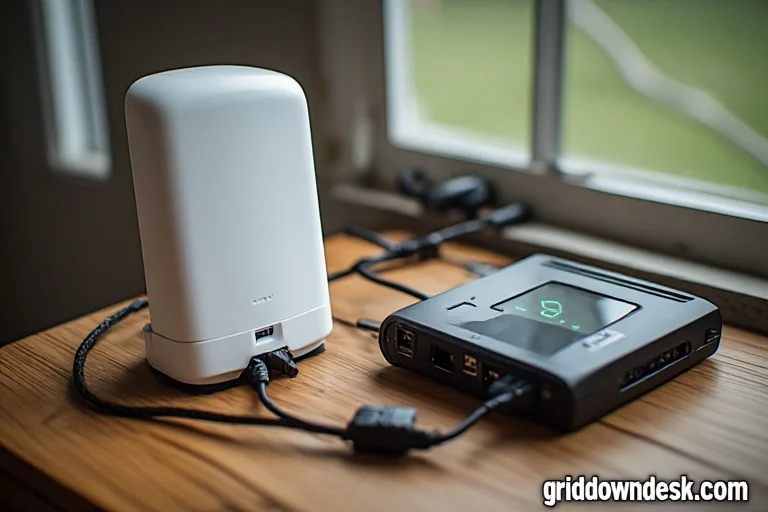
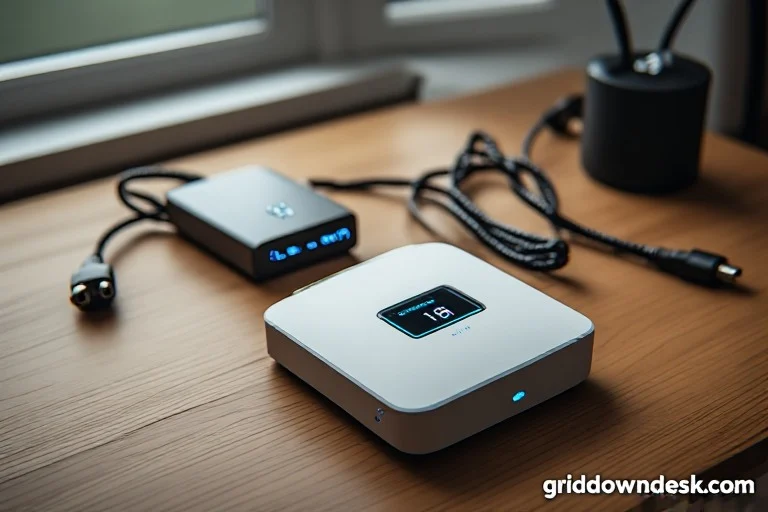
Dual WAN Router Blackout Failover & Power Guide
Short answer
To achieve seamless internet during a blackout, use a Dual WAN router with a 4G LTE USB modem or secondary cellular router. The combined power draw of a modern Dual WAN router (8W–12W) and a 4G modem (3W–5W) is only 11W–17W. A single 20,000mAh (74Wh) power bank or a compact 300Wh mini UPS can power this combined setup for 4 to 15 hours, ensuring automatic failover without manual intervention.
The manual failover problem
When fiber-optic internet goes down during a power outage, the standard advice is to manually unplug the main router, plug a 4G modem into a power bank, and connect your devices to a new Wi-Fi network.
This process is slow, prone to errors, and disrupts smart home devices, VoIP phones, and active work calls. A Dual WAN (Wide Area Network) router solves this by monitoring the primary connection (e.g., fiber ONT). The moment it detects a loss of signal or power, it automatically routes all traffic through the secondary 4G/5G connection in under 10 seconds. The key to making this work is ensuring both the main router and the cellular modem stay powered.
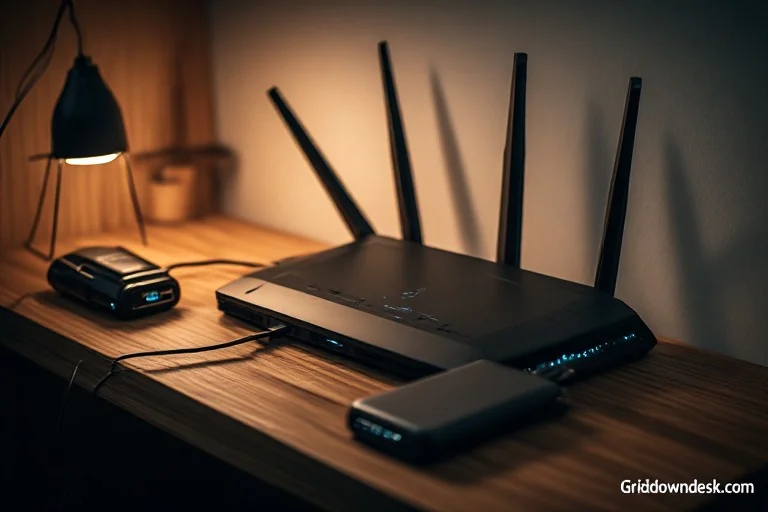
Real-world combined power consumption
To size your backup battery correctly, you must calculate the total load of the active networking gear.
Typical power consumption:
- Mid-range Dual WAN Router (e.g., Keenetic, Ubiquiti, MikroTik): 8W – 12W continuous.
- 4G LTE USB Modem (plugged into router): 3W – 5W continuous (spikes to 7W during heavy data transfer).
- Secondary standalone 4G Router (alternative setup): 5W – 8W continuous.
- Total Combined Load: 11W to 17W (for USB modem setup) or 13W to 20W (for dual router setup).
Note: Turning off Wi-Fi on the 2.4GHz/5GHz bands that are not in use can save an additional 1W to 2W.
Calculating your failover runtime
Because the total load is remarkably low, even small batteries provide impressive runtime. For the foundational math, see our guide on home backup power calculator sizing.
Runtime (hours) = (Battery Capacity in Wh × 0.90) ÷ Total Combined Wattage
Note: We use 0.90 efficiency, assuming you are powering the setup via a direct 12V or 5V DC connection, avoiding AC inverter losses.
Example Calculation (USB Modem Setup):
- Total load: 15W.
- Power source: 20,000mAh power bank (74Wh).
- Usable energy: 74 Wh × 0.90 = 66.6 Wh.
- Runtime: 66.6 Wh ÷ 15W = ~4.4 hours.
If you upgrade to a dedicated 300Wh mini UPS (like those designed for routers), the runtime extends to: (300 × 0.90) ÷ 15W = 18 hours. This is more than enough to bridge almost any typical local grid failure.
Step-by-step setup for automatic failover
Step 1: Hardware Connection. Plug your primary fiber/cable modem into WAN 1. Plug your 4G LTE USB modem into the router's USB port (or connect a secondary 4G router to WAN 2 via Ethernet).
Step 2: Configure Failover Rules. In the router's admin panel, set WAN 1 as "Primary" and the 4G connection as "Backup" or "Failover". Enable "Link Detection" (e.g., ping 8.8.8.8 every 10 seconds). If the ping fails, the router instantly switches to WAN 2.
Step 3: Unified Power Delivery. Instead of using two separate power banks, use a single mini UPS or power station with multiple DC outputs. Plug the main router into the 12V output, and use a 12V-to-5V USB step-down cable to power the 4G modem from the same source. This centralizes your backup and simplifies cable management.
Best practices for network resilience
- Test the switchover: Once configured, physically unplug the primary WAN cable. Open a continuous ping test (
ping 8.8.8.8 -ton Windows) on your PC. You should see only 1 to 3 "Request timed out" messages before the connection stabilizes on the 4G network. - Monitor data caps: Ensure your 4G mobile plan has a sufficient high-speed hotspot allowance. Automatic failover means background updates on all your devices will suddenly route through cellular data.
- Antenna placement: If your 4G signal is weak inside the house, use a 4G modem with external antenna ports (TS-9 or SMA) and route a low-loss cable to a window. A stronger signal reduces the modem's transmission power, saving battery and increasing speed.
For a deeper dive into standalone cellular backup options, refer to our guide on 4G LTE modem blackout backup.
Maintaining your network readiness
Networking equipment and backup batteries are often tucked away in dark corners and forgotten. Dust buildup can cause routers to overheat, increasing power draw. Wipe vents monthly, and check your backup battery's charge level every 3 months. For comprehensive battery care instructions, see our guide on how to maintain and store your portable power station (the same principles apply to mini UPS and power bank lithium cells).
FAQ
Can any router do Dual WAN failover? No. You need a router that explicitly supports Dual WAN and has a built-in 4G/5G modem or a USB port that supports tethering. Popular reliable choices include Keenetic (Giga/Ultra series), Ubiquiti EdgeRouter, and MikroTik.
Will the failover interrupt my Zoom or gaming session? There will be a brief hiccup. A well-configured Dual WAN router typically drops only 1 to 3 packets during the switchover (1-3 seconds). Most modern applications (like Zoom or online games) will automatically reconnect without dropping the call or match.
What if my ISP's neighborhood node loses power, but my home still has electricity? The failover will still work perfectly. The router detects the loss of internet connectivity (via the ping test), not just the loss of power to the ONT, and will seamlessly switch to the cellular network.
Is it better to use a USB modem or a second standalone 4G router for failover? A USB modem is more power-efficient and compact, drawing power directly from the main router. However, a standalone 4G router often has better antennas and more advanced cellular band-locking features, which can provide a faster and more stable backup connection at the cost of 3W-5W of extra power draw.