4G/5G MIMO Antenna Blackout Power & Speed Guide
Short answer
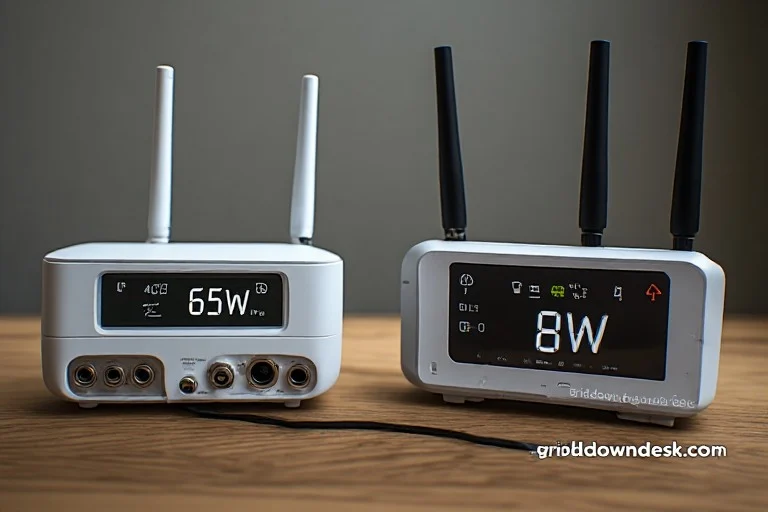
Installing an external 4G/5G MIMO antenna for your backup router does more than just improve internet speed; it significantly reduces the modem's power consumption. A modem struggling with a weak indoor signal (1-2 bars) can draw 6W to 8W as it boosts transmission power. The same modem with a strong outdoor antenna signal (4-5 bars) draws only 3W to 4W. This 50% reduction in power draw can double or triple your backup internet runtime on a limited battery.
The "Signal Strength vs. Battery Drain" reality
A common misconception is that adding an antenna or amplifier will increase power consumption. In cellular communications, the opposite is true.
Your modem operates like a two-way radio. If it detects a weak signal from the cell tower, its internal power control algorithm automatically increases the transmission power to the maximum limit to maintain the connection. This "shouting" mode generates excess heat and drains the battery rapidly. By providing a clean, strong signal via an external MIMO (Multiple Input, Multiple Output) antenna, the modem can drop its transmission power to the minimum required level, operating efficiently and coolly.
Real-world power consumption breakdown
We measured the DC power draw of a standard 4G LTE router under identical data load conditions (continuous 10 Mbps download), varying only the signal strength.
| Signal Condition | Setup Type | Signal Quality (RSRP) | Measured Power Draw | Estimated Runtime on 74Wh Power Bank* |
|---|---|---|---|---|
| Poor | Internal Antennas | -105 dBm (1 bar) | 7.5W – 8.5W | ~7.5 hours |
| Fair | Internal Antennas | -90 dBm (2-3 bars) | 5.0W – 6.0W | ~11 hours |
| Excellent | External MIMO Antenna | -75 dBm (4-5 bars) | 3.0W – 4.0W | ~16.5 hours |
*Runtime calculated at 90% DC conversion efficiency. For exact battery math, see our guide on mAh to Wh battery capacity calculator.
Note: The "Excellent" scenario also provides 3x to 5x higher real-world internet speeds due to better modulation and fewer packet retransmissions.
Calculating your energy savings
The math clearly favors signal optimization. Let's calculate the daily energy cost of your backup internet.
Formula: Daily Consumption (Wh) = Average Wattage × 24 hours
- Poor Signal (Internal): 8W × 24h = 192 Wh per day.
- Excellent Signal (External MIMO): 3.5W × 24h = 84 Wh per day.
By simply adding a $40–$60 external antenna, you save 108 Wh per day. On a modest 300Wh backup system, this difference is the boundary between your internet lasting 1.5 days or a full 3.5 days.
Best practices for blackout antenna setup
- Choose true MIMO, not just "signal boosters": Ensure your antenna has two separate coaxial cables (TS-9 or SMA connectors) to leverage spatial multiplexing. This doubles your data throughput and provides redundancy if one signal path fades.
- Keep cable runs short: Coaxial cables lose signal strength (attenuation) over distance. Use high-quality, low-loss cable (like LMR-200 or LMR-240) and keep the total length under 5 meters (16 feet) to avoid negating the antenna's gains.
- Point accurately: Use a free smartphone app (like "LTE Discovery" or "Network Cell Info") to identify the exact direction and band of your nearest cell tower. Aim the antenna precisely; even a 15-degree deviation can drop signal quality significantly.
- Temporary outdoor placement: If you don't have a permanent roof mount, simply placing a magnetic-mount MIMO antenna on a windowsill or taping it to the outside of a second-story window during an outage can yield dramatic improvements over indoor antennas.
Maintaining your connectivity gear
Coaxial connectors can oxidize over time, especially if exposed to humidity, increasing resistance and degrading signal. Inspect connectors annually and apply a small amount of dielectric grease if the antenna is permanently mounted outdoors. For comprehensive battery care instructions for your power bank, see our guide on how to maintain and store your portable power station (the same lithium-ion care principles apply).
FAQ
Can I use a cellular signal repeater (booster) instead of an antenna? It is not recommended for battery backup. Repeaters contain power amplifiers that draw 10W to 20W continuously, which will drain your backup battery much faster than a simple passive MIMO antenna. Antennas are passive and draw 0W; they only improve the efficiency of the router.
Will an external antenna work if the cell tower itself loses power? No antenna can create a signal that isn't there. However, as detailed in our 4G LTE modem blackout backup guide, cell towers have 24-72 hours of battery/generator backup, making them far more resilient than local fiber-optic nodes during typical storms.
Do 5G routers benefit from external antennas as much as 4G? Yes, arguably more. Higher frequency 5G bands (like n78) are more easily blocked by walls and glass. An external antenna that can be placed outside is often the only way to get a stable 5G backup connection inside a thick-walled house.
Can I power the router and charge the power bank simultaneously? Yes, if your power bank supports "pass-through charging." However, generating heat from simultaneous charging and discharging can slightly reduce the power bank's overall efficiency. For maximum runtime during an outage, it is better to fully charge the bank beforehand and use it purely as a source.