VoIP & Home PBX Blackout Power Guide
Short answer
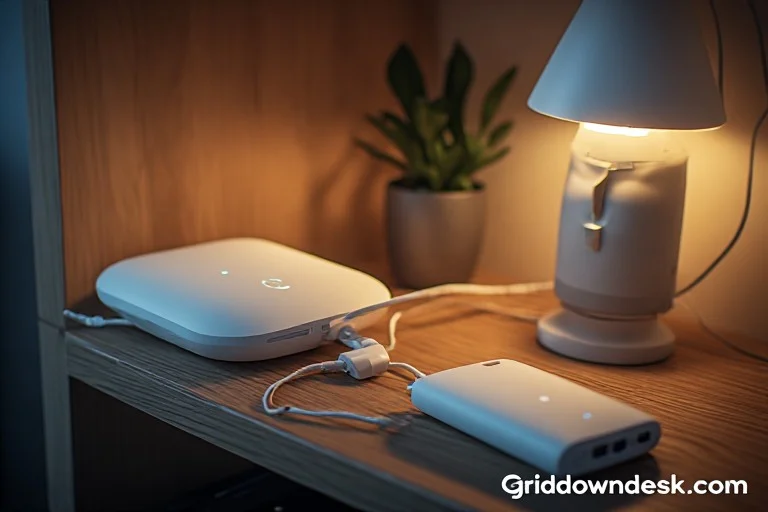
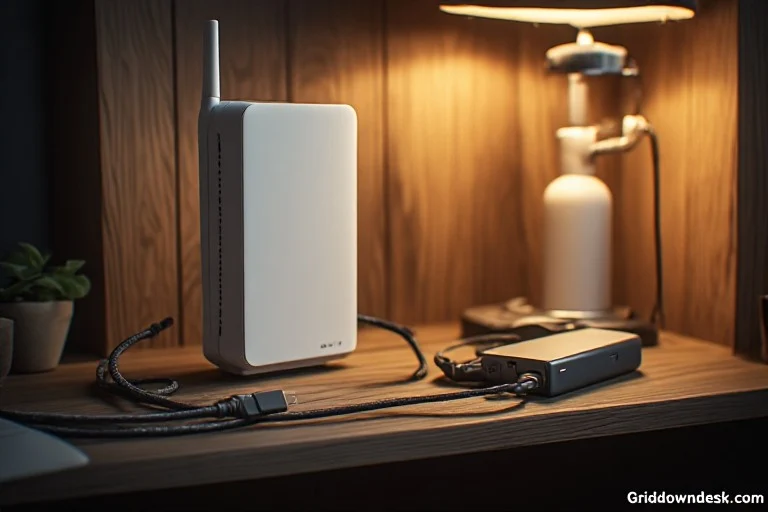
To maintain VoIP communication during a blackout, you must back up the entire chain: the IP-PBX (or cloud gateway), the PoE switch, and the IP phones themselves. A typical small office setup (1 PBX, 1 PoE switch, 2 IP phones) draws only 25W to 40W continuously. A compact 300Wh to 500Wh pure sine wave UPS can keep this critical communication lifeline active for 6 to 12 hours, ensuring you never miss a client call even when the grid is down.
The "Partial Backup" trap
A common and costly mistake is backing up only the internet router. Users assume that if the Wi-Fi is working, their VoIP phones will work too.
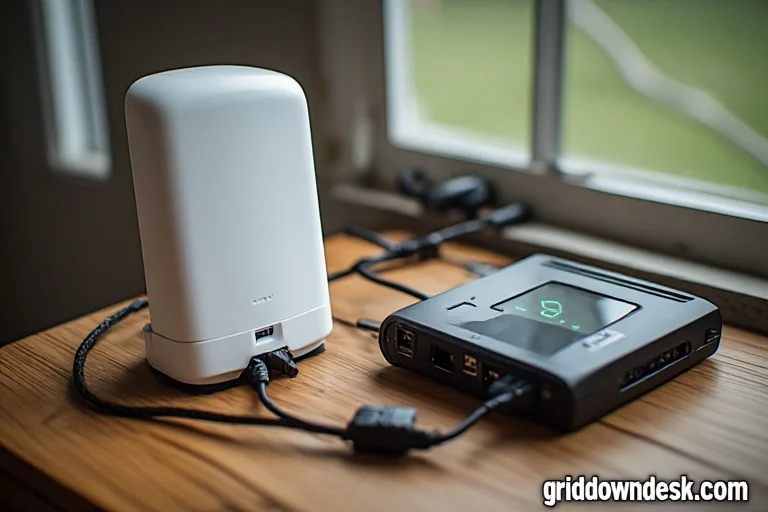
However, most modern IP phones and the PBX server itself require continuous AC or PoE (Power over Ethernet) power. When the grid fails, the router stays alive, but the PBX goes dark. The result is a working internet connection with absolutely no "dial tone" or ability to make/receive calls. Backing up the router is only step one; the communication hardware is step two.
Real-world VoIP power consumption
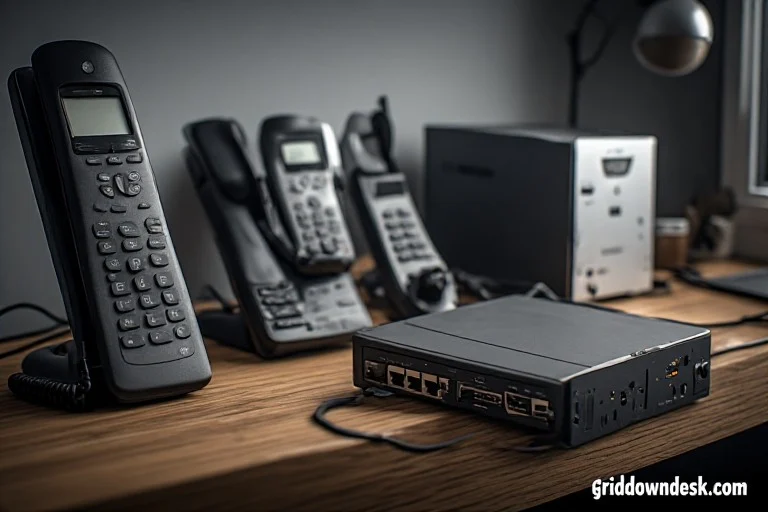
VoIP equipment is highly efficient, especially when leveraging PoE, which eliminates the need for individual AC power adapters for each phone.
Typical power consumption:
- Desktop IP-PBX (e.g., Grandstream, Yealink): 10W – 15W continuous.
- 4-to-8 Port PoE Switch: 10W (base) + 3W to 5W per connected IP phone.
- IP Desk Phone (with display): 3W – 5W continuous per device.
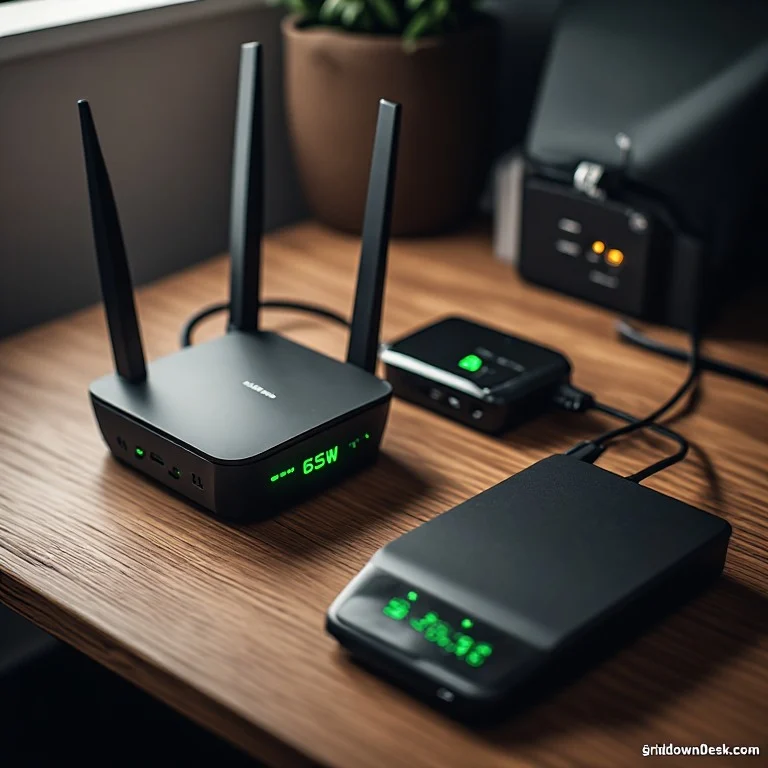
- Total Core Load: 25W to 40W for a standard 1-to-2 user home office setup.
Note: If you use analog phones connected to an ATA (Analog Telephone Adapter), the ATA draws only 3W-5W, but the phones themselves require no power, making this a highly efficient alternative for extreme battery conservation.
Calculating your communication runtime
Because the load is low and predictable, we can easily calculate extended runtime. For the foundational math, see our guide on home backup power calculator sizing.
Runtime (hours) = (Usable Battery Wh) ÷ Total Load (W)
Example Calculation:
- Total load: PBX (12W) + PoE Switch base (10W) + 2 Phones (8W) = 30W.
- Power source: 500Wh pure sine wave UPS.
- Usable energy (at 85% inverter efficiency): 500 Wh × 0.85 = 425 Wh.
- Runtime: 425 Wh ÷ 30W = ~14.1 hours.
This provides more than enough time to handle a full business day of critical calls during a typical outage, all from a single, compact UPS tucked under the desk.
Best practices for VoIP blackout resilience
- Consolidate Power via PoE: Instead of plugging the PBX and phones into separate wall outlets (requiring multiple UPS outlets or power strips), connect the PBX and all phones to a single PoE switch. Then, plug only the PoE switch into the UPS. This centralizes the load and simplifies cable management.
- Prioritize VoIP Traffic (QoS): If your backup internet is a 4G LTE failover (as detailed in our Dual WAN router blackout failover guide), bandwidth may be limited. Configure your router's Quality of Service (QoS) to prioritize SIP/VoIP traffic over web browsing or cloud backups to prevent call dropouts and robotic audio.
- Disable Phone Screensavers: IP phone displays draw a disproportionate amount of power relative to their usefulness during an outage. Configure the phones to turn off their displays after 1 minute of inactivity to save 1W-2W per device.
- Test the Failover: Simulate an outage by unplugging the UPS from the wall. Verify that the PBX boots correctly, the phones register, and you can make an outbound test call without audio issues (which can sometimes indicate a NAT or firewall glitch upon reboot).
Maintaining your communication readiness
VoIP equipment is often left running 24/7, making it susceptible to dust buildup in the PoE switch vents, which can cause overheating and increased power draw. Vacuum the vents every 6 months. Additionally, test your UPS quarterly to ensure it still holds a charge. For comprehensive battery care instructions, see our guide on how to maintain and store your portable power station (the same maintenance principles apply to UPS batteries).
FAQ
Can I use a portable power station instead of a UPS for my VoIP setup? Yes, a small LiFePO4 power station is an excellent choice. It provides longer runtime and a purer sine wave than many budget UPS units. Just ensure you use the AC outlets or a compatible 12V-to-PoE injector to power the switch.
What if my PBX is hosted in the cloud? If your PBX is purely cloud-based (e.g., hosted Asterisk or a SaaS provider), you only need to back up your internet router and your physical IP phones (or softphone on a backed-up laptop). This reduces your backup load significantly, as the heavy lifting is done off-site.
Will my VoIP provider know I'm on backup power? No. As long as your internet connection remains stable and your public IP address (or DDNS) is correctly configured, the provider sees no difference between grid power and battery backup.
Can I power an IP phone directly from a USB power bank? Some modern IP phones support USB-C power input as an alternative to PoE. If your phone has this feature, you can power it directly from a standard 20,000mAh power bank, completely bypassing the need to back up the PoE switch for that specific device.