Keep Wi-Fi On During a Blackout: Mini UPS Guide
Short answer
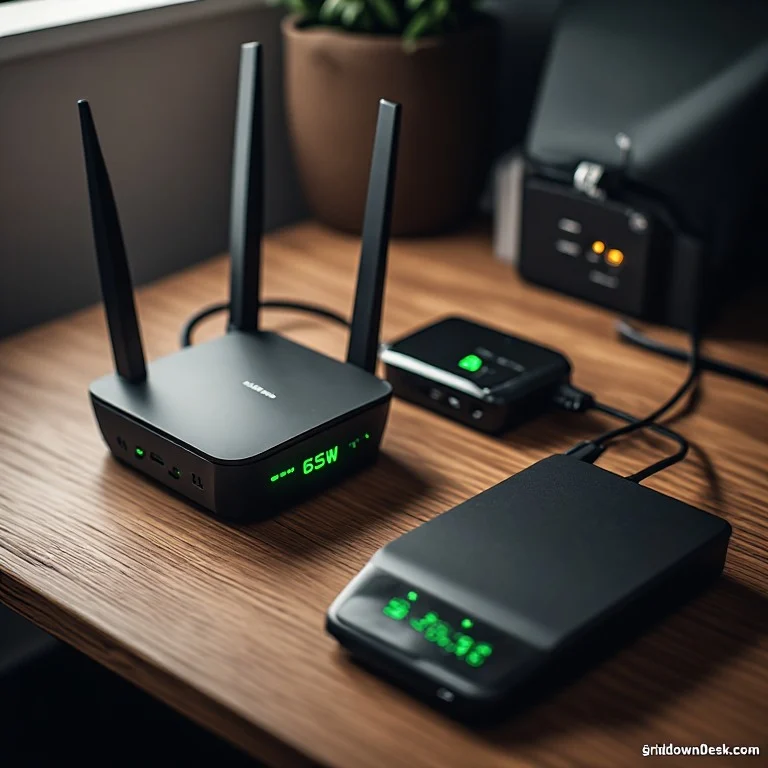
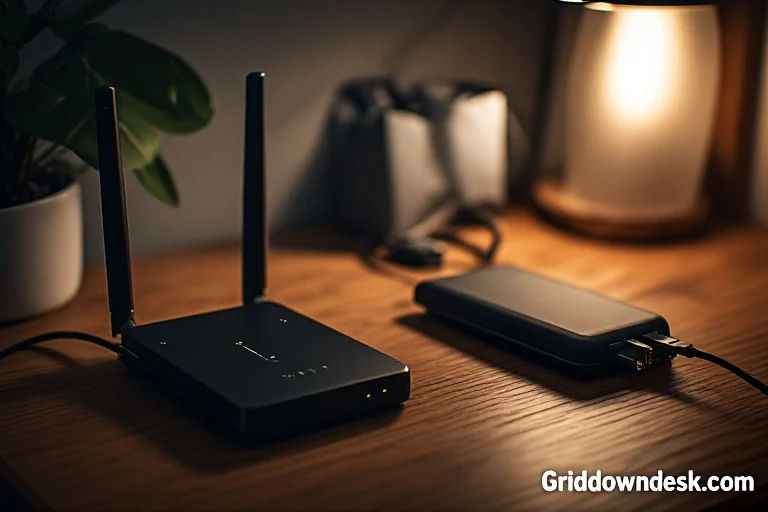
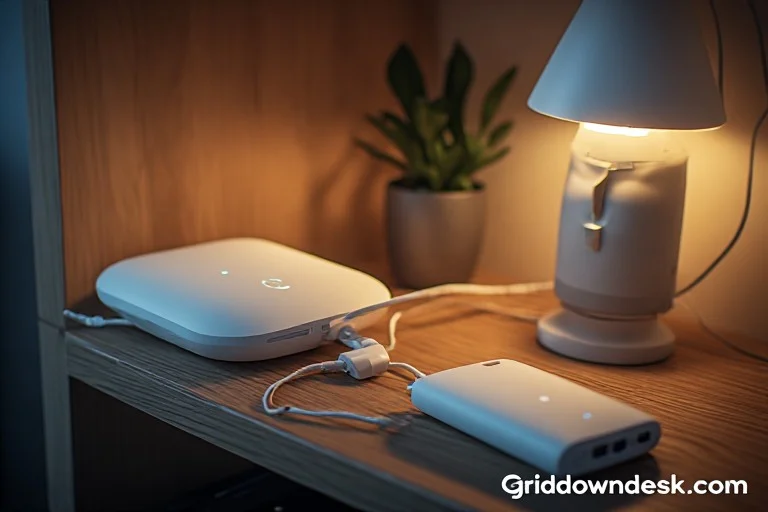
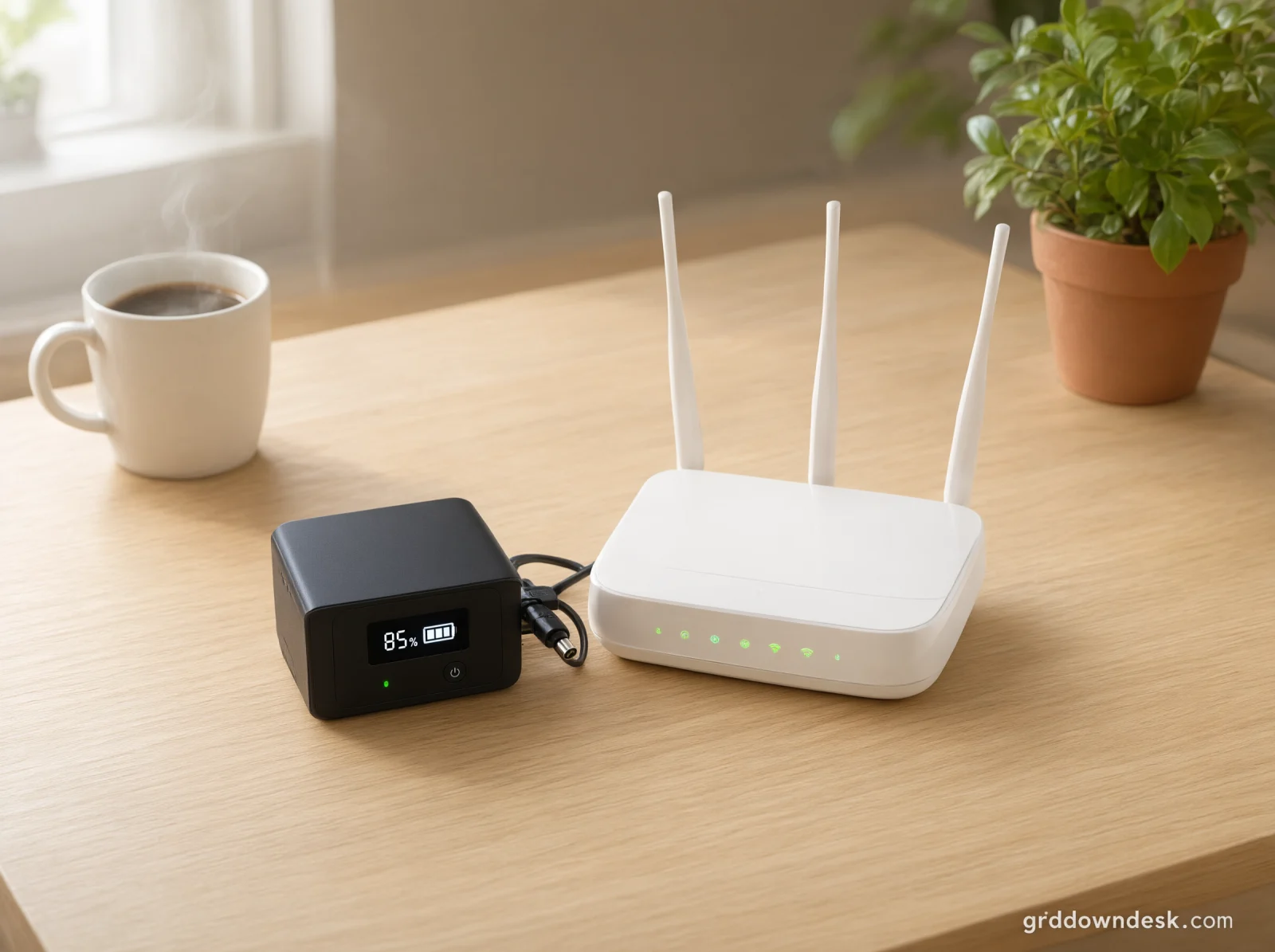
A 12V mini UPS keeps a standard home router running for 4 to 8 hours during a blackout. It connects directly to the router's DC power port, bypassing the wall adapter. This direct current method is much more efficient than using a large AC power station, which wastes energy converting power twice.
Why a mini UPS beats a large power station
When a power outage hits, the first instinct is to plug the router into a large portable power station. While this works, it is highly inefficient. A large power station uses an internal inverter to convert DC battery power to AC wall power. This inverter has an idle draw, often consuming 10 to 15 watts just to stay turned on.
A standard home router only draws 10 to 15 watts itself. If you use a large power station, the inverter's idle draw doubles your energy consumption, cutting your runtime in half.
A mini UPS designed specifically for routers outputs 12V DC directly. There is no inverter, no idle draw, and no energy wasted on conversion. You get the maximum possible runtime from the battery capacity you paid for.
How to choose the right mini UPS
Not all mini UPS devices are compatible with every router. Before buying, check three specifications on your router's power adapter:
Voltage: This is the most critical factor. Most routers use 12V, but some older or specific models use 9V or 5V. Plugging a 12V mini UPS into a 9V router will permanently damage the device. Look for a mini UPS with adjustable voltage or buy one that exactly matches your router.
Current (Amps): The mini UPS must provide at least as many amps as the router requires. If your router needs 1A, a mini UPS rated for 2A or 3A is perfectly fine. The router will only draw what it needs.
Connector size: The physical plug must fit. The most common standard for routers is 5.5mm x 2.5mm. Check the label on your router's power brick to confirm.
Real-world runtime expectations
Mini UPS capacity is usually advertised in milliamp-hours (mAh) at 3.7V (the internal cell voltage). To compare it with your router's 12V draw, you need to convert it to watt-hours (Wh).
For example, a 10,000 mAh mini UPS holds about 37Wh of energy (10Ah x 3.7V). After conversion losses to 12V, you get roughly 30Wh of usable power.
Here is what you can expect from a standard 10,000 mAh mini UPS:
| Router Type | Typical Draw | Expected Runtime |
|---|---|---|
| Basic ISP router | 8 W | 3.5 hours |
| Mid-range Wi-Fi 5 router | 12 W | 2.5 hours |
| High-end Wi-Fi 6 router | 18 W | 1.5 hours |
| Router + Fiber ONT modem | 20 W | 1.5 hours |
If you need longer runtime, look for models with 20,000 mAh capacity, which will double these numbers. For more details on calculating exact battery needs, see our guide on UPS runtime explained.
How to set it up
The setup is plug-and-play and takes less than a minute:
- Unplug your router's original power adapter from the wall outlet.
- Disconnect the power cable from the back of the router.
- Plug the mini UPS DC cable into the router's power port.
- Plug the mini UPS power adapter into the wall outlet to charge the internal battery.
The mini UPS will automatically switch to battery power the moment the wall electricity cuts off, and switch back to charging when the power returns. Your internet connection will not drop.
FAQ
Can I use a regular USB power bank instead? Yes, but only if your router supports 5V USB power input. If your router requires 12V, a standard USB power bank will not work unless you use a specialized USB-to-12V DC trigger cable, which can be unreliable.
Does the mini UPS charge while it is powering the router? Yes, this is called pass-through charging. When the wall power is on, the mini UPS powers the router and simultaneously charges its own battery. When the power fails, it instantly switches to battery mode.
Will a mini UPS protect my router from power surges? Most mini UPS devices include basic surge protection and voltage regulation. However, for severe lightning strikes, you still need a dedicated whole-home surge protector or a high-quality UPS with advanced filtering.
Can I leave the mini UPS plugged in all the time? Yes, that is exactly how it is designed to be used. Modern mini UPS units have built-in battery management systems that prevent overcharging and stop drawing power once the battery is full.