Powering Starlink During a Blackout: Battery Guide
Short answer
A standard Starlink setup (dish and router) draws an average of 50 to 75 watts during normal operation. To keep it running for 4 hours during a blackout, you need a battery backup with at least 250 to 300 watt-hours (Wh) of usable capacity. For overnight protection (8+ hours), a 500Wh portable power station or a dedicated high-capacity 12V/24V DC battery system is required.
Understanding Starlink power consumption
Starlink power draw is not static. It fluctuates based on the hardware generation, network traffic, and environmental conditions. Understanding these variables is critical for sizing your backup power correctly.
Typical power draw by scenario:
| Starlink Setup / Mode | Average Wattage | Peak Wattage (Surge) |
|---|---|---|
| Gen 2 (Rectangular) – Normal | 50 – 75 W | 90 – 100 W |
| Gen 2 – Snow Melt Mode | 90 – 110 W | 120 – 130 W |
| Gen 3 (Kickstand) – Normal | 40 – 60 W | 80 – 90 W |
| Gen 3 – Snow Melt Mode | 70 – 90 W | 100 – 110 W |
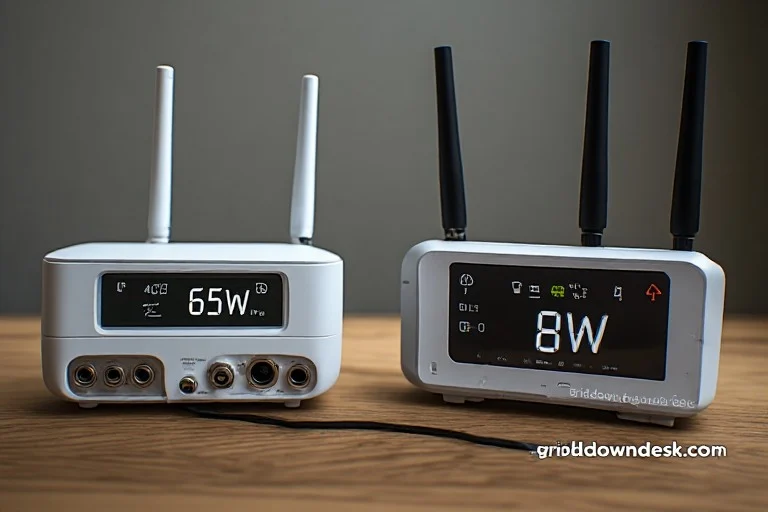
| Router only (if dish is off) | 5 – 8 W | 10 W |
Note: "Snow Melt" mode activates automatically in cold weather to prevent ice buildup on the dish, significantly increasing power consumption.
The backup power formula
To calculate exactly how long your Starlink will stay online, use the standard runtime formula. For a detailed breakdown of this math, see our guide on UPS runtime explained: VA vs watt-hours.
Runtime (hours) = Battery Capacity (Wh) × Efficiency ÷ Starlink Wattage
- Battery Capacity: The total watt-hours of your power station or battery.
- Efficiency: Use 0.85 for pure sine wave AC inverters, or 0.95 if you are using a direct DC connection (bypassing the inverter).
- Starlink Wattage: The average draw of your specific setup (e.g., 65W).
Example Calculation: You have a 500Wh portable power station and a Gen 2 Starlink drawing 65W on AC power.
- Usable energy: 500 × 0.85 = 425 Wh.
- Runtime: 425 ÷ 65W = 6.5 hours.
If you switch to a direct DC connection (efficiency 0.95), the runtime extends to: 475 ÷ 65W = 7.3 hours.
Best methods for backing up Starlink
Method 1: Portable Power Station (Easiest)
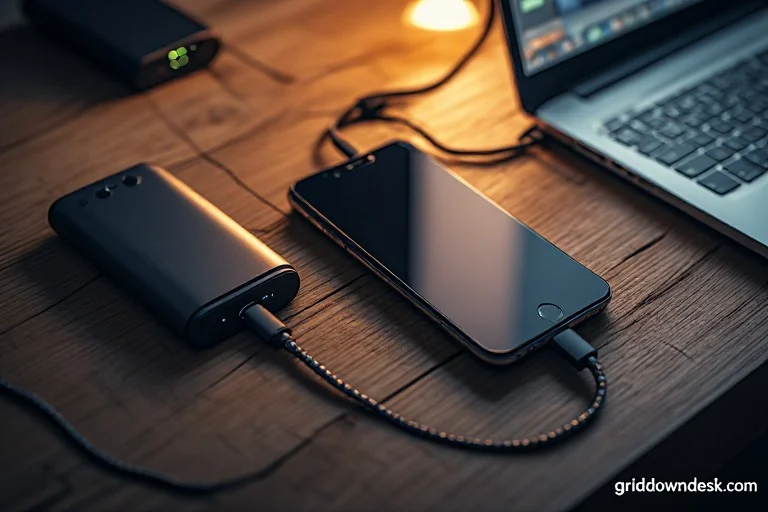
Plug the Starlink power supply directly into the AC outlet of a portable power station.
- Pros: Plug-and-play, pure sine wave output, built-in display shows remaining runtime.
- Cons: 10-15% energy loss due to DC-to-AC-to-DC conversion.
- Recommended size: 500Wh to 1000Wh for reliable overnight coverage.
Method 2: Direct DC Connection (Most Efficient)
Bypass the Starlink power brick entirely by using a specialized DC cable (e.g., 12V/24V to Starlink Gen 2/3 adapter) connected to a portable power station's 12V car port or a dedicated lithium battery bank.
- Pros: Eliminates inverter losses, extending runtime by 15-20%.
- Cons: Requires purchasing a specific, high-quality third-party DC cable. Improper wiring can damage the dish.
Method 3: Mini UPS for the Router Only
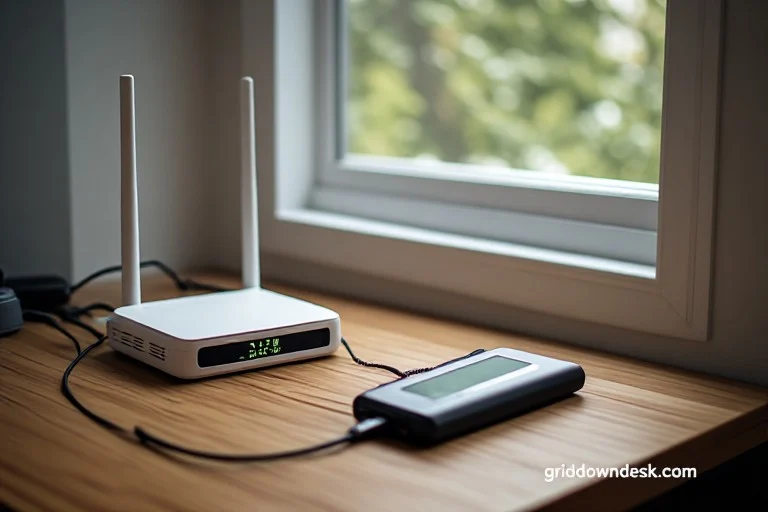
If you have a separate modem or the ability to power the dish via PoE from a different source, a small 12V mini UPS can keep just the router alive. For more on this, see our guide on keeping Wi-Fi on during a blackout with a mini UPS.
Critical mistakes to avoid
- Ignoring Snow Melt mode: If you live in a cold climate, your winter power draw will be 40-50% higher than summer calculations. Always size your battery for the worst-case scenario.
- Using a modified sine wave inverter: Starlink's power supply contains sensitive switching electronics. A cheap, modified sine wave UPS can cause the power supply to overheat, buzz, or fail prematurely. Always use pure sine wave.
- Forgetting the router's boot time: When power is restored or switched, the Starlink dish takes 2 to 5 minutes to boot up and establish a connection. Ensure your battery has enough capacity to cover this initial high-draw boot sequence.
Calculating your total home office load
If you are powering Starlink alongside a laptop and a desk lamp, you must add their wattage together. For help calculating the total power draw of your remote work setup, refer to our guide on how to calculate your home office power needs.
FAQ
Can I power Starlink with a standard home UPS? Yes, but only if it is a pure sine wave UPS with sufficient wattage capacity (at least 150W continuous output). However, standard UPS batteries are small (80-150Wh) and will only keep Starlink running for 1 to 2 hours.
Does Starlink work if the local cell towers are down? Yes. Starlink communicates directly with satellites in low Earth orbit. As long as the dish has a clear view of the sky and your backup power is running, your internet will work even if local cellular and cable infrastructure is completely destroyed.
Can I charge the power station with solar while running Starlink? Yes. A 100W solar panel producing 75W in real-world conditions will nearly offset the 65W draw of a Gen 2 Starlink. This creates a near-sustainable loop during daylight hours, extending your battery life indefinitely on sunny days.
What happens if the battery dies while Starlink is on? The system will shut down abruptly. When power returns, the dish will go through its standard boot sequence. There is no risk of data corruption to the dish itself, but you will experience an internet outage until the battery is recharged and the system reboots.