Smartphone Hotspot Blackout: Battery Drain Guide
Short answer
Using your smartphone as a Wi-Fi hotspot during a blackout can drain a standard 5000mAh battery in 2 to 4 hours due to simultaneous cellular and Wi-Fi radio usage. To maximize runtime, switch to USB tethering and connect the phone to a 20,000mAh power bank. This setup provides a more stable connection, reduces the phone's net power consumption by 30-40%, and can sustain your internet connection for 12 to 15 hours continuously.
The "Wi-Fi Hotspot" heat trap
When you enable a standard Wi-Fi hotspot, your smartphone's modem must perform two energy-intensive tasks simultaneously: maintain a 4G/5G connection to the cell tower and broadcast a Wi-Fi signal to your devices.
This dual-radio operation generates significant heat. Lithium-ion batteries degrade rapidly and throttle performance when heated. Furthermore, the Wi-Fi radio constantly broadcasts beacon frames, draining power even when no data is actively being transferred. In a blackout scenario, where every milliwatt counts, a wireless hotspot is the least efficient way to share your mobile connection.
Real-world power consumption: Hotspot vs. Tethering
The difference in power draw between wireless and wired tethering is substantial.
Typical additional power drain (above normal idle):
- Wi-Fi Hotspot (4G/LTE): 3W to 5W continuous (plus significant heat generation).
- Wi-Fi Hotspot (5G): 5W to 8W continuous (5G modems are notoriously power-hungry).
- USB Tethering: 1W to 2W net drain (the phone draws power from the host device or power bank to maintain the connection, often resulting in a slow net charge or neutral battery state).
Note: Background app synchronization (email, cloud backups) will multiply this drain. Always pause non-essential background tasks during an outage.
Calculating your emergency internet runtime
To understand how long your setup will last, we must convert the phone's battery capacity from mAh to Wh. For the exact formula, see our guide on mAh to Wh battery capacity calculator.
Formula: Phone Battery (Wh) = (mAh × 3.85V) ÷ 1000
Example Calculation (Standard 5000mAh Smartphone):
- Capacity: (5000 × 3.85) ÷ 1000 = 19.25 Wh.
- Scenario A (Wi-Fi Hotspot @ 4W drain): 19.25 Wh ÷ 4W = ~4.8 hours (realistically less due to heat inefficiency).
- Scenario B (USB Tethering + 20,000mAh Power Bank): The power bank (74 Wh) supplies the tethering power. Assuming 90% transfer efficiency, you gain ~16 additional hours of hotspot runtime without touching the phone's internal battery.
Step-by-step setup for maximum efficiency
Step 1: Force LTE/4G only. 5G provides faster speeds but consumes up to 30% more battery. In Android, use the hidden menu (##4636##) or a third-party app to force "LTE Only". On iOS, go to Settings > Cellular > Cellular Data Options > Voice & Data > select "4G" or "LTE".
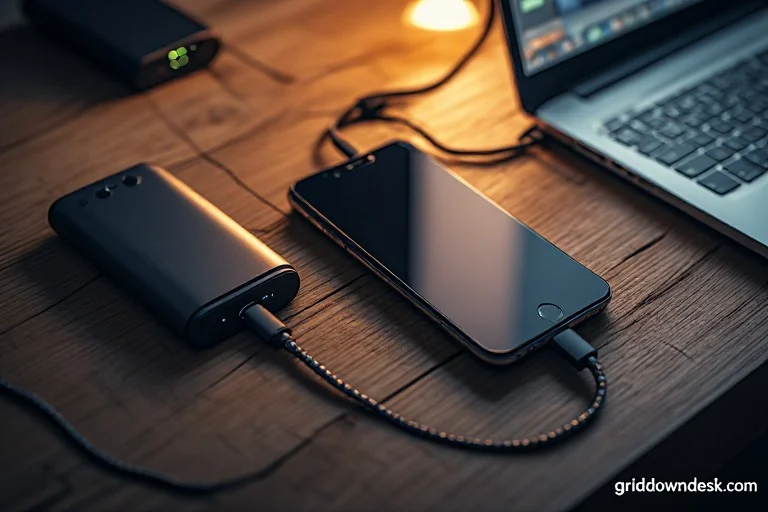
Step 2: Use USB Tethering. Connect your phone to your laptop or a power bank using a high-quality data cable.
- On Android: Settings > Network & Internet > Hotspot & Tethering > enable "USB Tethering".
- On iOS: Connect to a Mac/PC, trust the computer, and enable "Personal Hotspot" > "Allow Others to Join" (iOS automatically prefers USB when plugged in).
Step 3: Enable Battery Saver Mode. Turn on the OS-level battery saver. This restricts background data for non-essential apps, preventing them from silently consuming your cellular data and battery.
Step 4: Manage Thermal Conditions. Remove the phone case. Place the phone on a cool surface (like a wooden desk or a small metal plate) to help dissipate the heat generated by the cellular modem. Overheating will cause the phone to dim the screen, throttle the modem, or shut down entirely.
When to upgrade to a dedicated solution
While a smartphone is an excellent immediate backup, relying on it for multi-day outages is risky. It ties up your primary communication device, degrades its battery health due to heat, and leaves you vulnerable if the phone is needed for emergency calls.
If blackouts are frequent in your area, investing in a dedicated 4G LTE mobile router powered by its own small battery is a far more robust solution. For details on sizing that setup, refer to our guide on 4G LTE modem blackout backup.
FAQ
Does passthrough charging (power bank to phone to laptop) damage the battery? Modern smartphones have sophisticated power management ICs (PMICs). Once the battery reaches 100%, the phone bypasses the battery and runs directly off the USB power. This is perfectly safe and is the most efficient way to maintain a hotspot indefinitely.
Can I use my phone normally while it's tethering? Yes, but every additional task (screen on, GPS, gaming) adds to the power draw. If you are running off a limited power bank, keep the phone screen off and use it strictly as a modem.
Why does my laptop say "No Internet" when USB tethering is active? This usually happens if the phone's mobile data is turned off, or if the laptop is trying to route traffic through a disconnected Wi-Fi adapter. Disable Wi-Fi on the laptop to force it to use the USB Ethernet connection.
Will a power bank keep my phone cool while tethering? No. In fact, charging generates additional heat. This is why Step 4 (removing the case and ensuring airflow) is critical. Do not wrap the phone and power bank in a blanket or place them in direct sunlight.