Mesh Wi-Fi Blackout Power Guide
Short answer
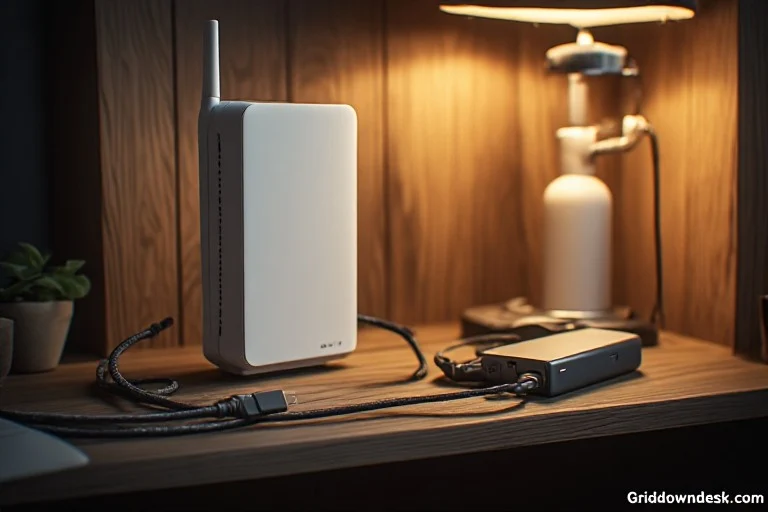
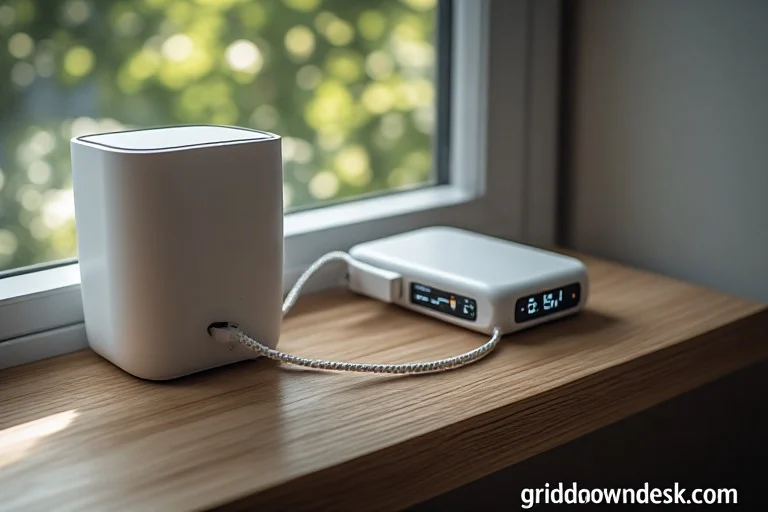
A typical 3-node Mesh Wi-Fi system draws 9W to 18W total when all units are powered. To maximize battery life during a blackout, power only the main node connected to your modem (and optionally one satellite node in a critical room). A standard 20,000mAh (74Wh) power bank can keep a single main Mesh node running for 10 to 14 hours, providing reliable internet access without draining your reserves.
The Mesh reality: The multiplier effect
When the power goes out, the instinct is to keep the entire home network alive exactly as it was. However, Mesh systems are designed for coverage, not efficiency.
Each satellite node draws its own continuous power (typically 3W to 6W) to maintain the wireless backhaul connection with the main node. If you have a 3-node system and power all of them via a portable battery, you are tripling your energy consumption. In a blackout scenario, this is an unsustainable luxury that will kill your battery in a fraction of the time.
Real-world Mesh power consumption
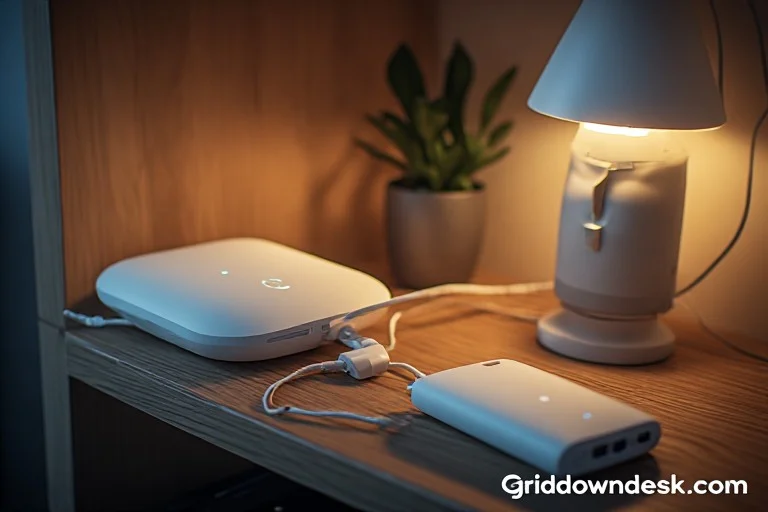
Power draw varies based on the brand, whether the node is the main gateway or a satellite, and the type of backhaul (wireless vs. Ethernet).
Typical power consumption (per node):
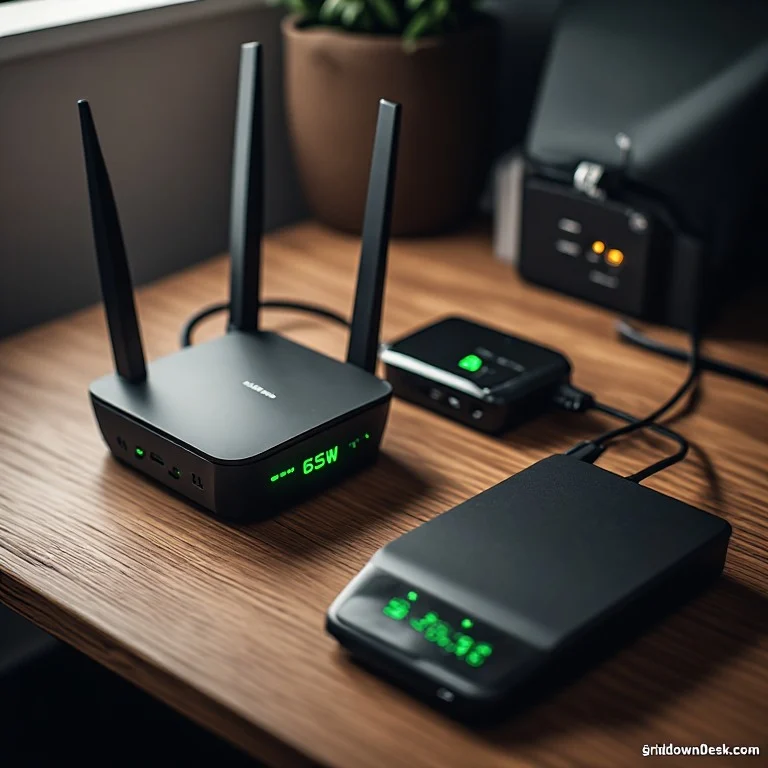
- Main Mesh Node (with modem): 4W – 7W (Handles routing, Wi-Fi broadcasting, and modem communication).
- Satellite Node (Wireless Backhaul): 3W – 6W (Constantly transmitting/receiving data to the main node).
- Satellite Node (Ethernet Backhaul): 2W – 4W (More efficient, as it doesn't need to broadcast a secondary Wi-Fi network for the backhaul).
- Modem (ONT/Cable): 5W – 10W (Must be powered for the main node to have internet).
Note: High-performance gaming Mesh systems (like certain Asus or Netgear models) can draw up to 15W per node due to powerful CPUs and multiple radio bands.
Calculating the Mesh runtime
To estimate how long your backup will last, we use the standard runtime formula. For a detailed breakdown of this math, see our guide on UPS runtime explained: VA vs watt-hours.
Runtime (hours) = (Battery Capacity in Wh × 0.90) ÷ Total Node Wattage
Note: We use 0.90 for efficiency, assuming you are using a direct 12V or 5V USB DC connection, which avoids the 15% loss of an AC inverter.
Example Calculation (Optimized Setup):
- You have a 20,000mAh power bank (74Wh).
- You power ONLY the modem (8W) and the main Mesh node (5W). Total = 13W.
- Usable energy: 74 Wh × 0.90 = 66.6 Wh.
- Runtime: 66.6 Wh ÷ 13W = ~5.1 hours.
If you had powered all 3 nodes (13W + 6W + 6W = 25W), the runtime would drop to just ~2.6 hours. By unplugging the satellites, you double your online time.
Best practices for Mesh blackout survival
- The "One Node" Rule: During an outage, unplug all satellite nodes. Rely solely on the main node connected to your modem. If you absolutely need Wi-Fi in a distant room, plug in one satellite node there, but keep it turned off when not in use.
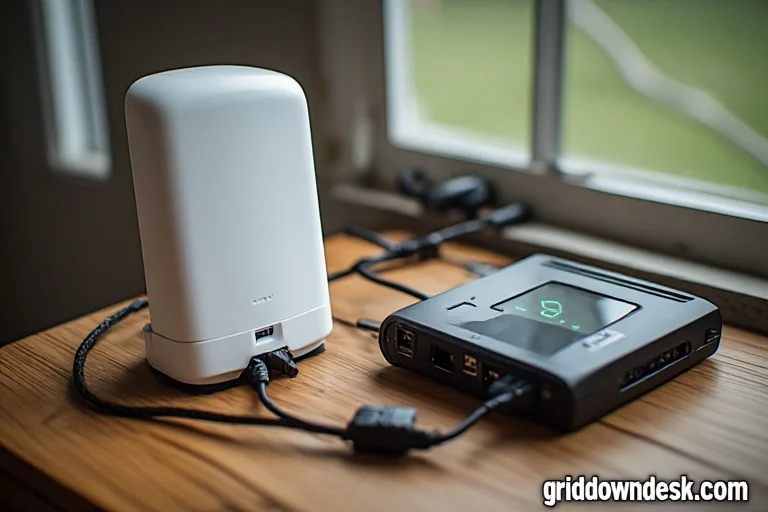
- Use DC Power Directly: Do not plug your Mesh nodes into a large power station's AC outlet. Use a 12V-to-12V DC barrel jack adapter or a 5V USB-to-DC cable (if your node supports 5V input, like some Eero or Deco models). This bypasses the inverter and saves 15% of your battery. For more on this, see our guide on keeping Wi-Fi on during a blackout with a mini UPS.
- Disable "Guest Networks" and "Smart Home" hubs: If your main node has a built-in Zigbee hub (like some Eero models) or a guest network, disable them in the app during an outage. This reduces the CPU load and radio transmission power, saving 1W to 2W.
- Position the main node centrally: Since you will be relying on a single node, temporarily move it to the most central location in your home (or the room where you are working) to maximize signal strength and reduce the device's need to boost transmission power.
What NOT to do during a blackout
- Do not daisy-chain power banks. Plugging one power bank into another to "charge it while it charges your router" creates massive conversion losses and can confuse the battery management systems, leading to unexpected shutdowns.
- Do not use a modified sine wave inverter. While many Mesh nodes have simple switching power supplies that can tolerate it, the harmonic distortion can cause the node to run hotter and potentially reboot randomly under load.
- Do not forget the modem. A powered Mesh node is useless if the ISP's Optical Network Terminal (ONT) or cable modem is off. Always factor the modem's 5W–10W draw into your calculations.
If your local cell towers remain operational but your home fiber is down, consider switching to a cellular backup. For details on that setup, refer to our guide on 4G LTE modem blackout backup.
FAQ
Can I power my Mesh system with a standard computer UPS? Yes, a small 600VA pure sine wave UPS is an excellent choice. It will easily handle the 15W–25W load of a modem and main Mesh node, providing 2 to 4 hours of seamless runtime and protecting against micro-outages.
Will my Mesh system remember its settings if it loses power completely? Yes. Mesh nodes store their configuration in non-volatile memory. When power is restored, they will boot up and reconnect automatically. However, frequent hard shutdowns can occasionally cause minor firmware glitches, making a battery backup highly recommended.
Do PoE (Power over Ethernet) Mesh nodes use less power? The total power draw is similar, but PoE is much more efficient to back up. You can power a PoE Mesh node using a single 48V PoE injector connected to a DC power source, eliminating the need for multiple AC adapters and simplifying your blackout setup.
How do I know if my Mesh node supports 5V USB input? Check the label on the original power adapter. If it says "Input: 100-240V AC, Output: 12V 1A", it requires 12V. If it says "Output: 5V 2A" or "5V 3A", you can safely power it using a standard USB power bank and a USB-to-barrel-jack cable.