ONT Fiber Modem Blackout Power Guide
Short answer
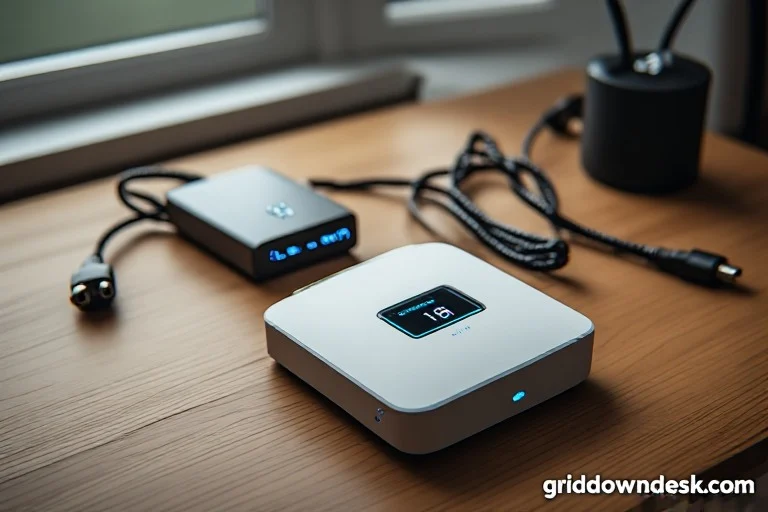
To keep your fiber-optic internet alive during a blackout, the most efficient method is to power the ISP’s Optical Network Terminal (ONT) directly using a power bank and a USB-C to DC step-up/down cable. An ONT typically draws only 5W to 10W. A standard 20,000mAh (74Wh) power bank can keep it running for 8 to 12 hours, provided you match the voltage (usually 9V or 12V) exactly to avoid damaging the equipment.
The ONT bottleneck reality
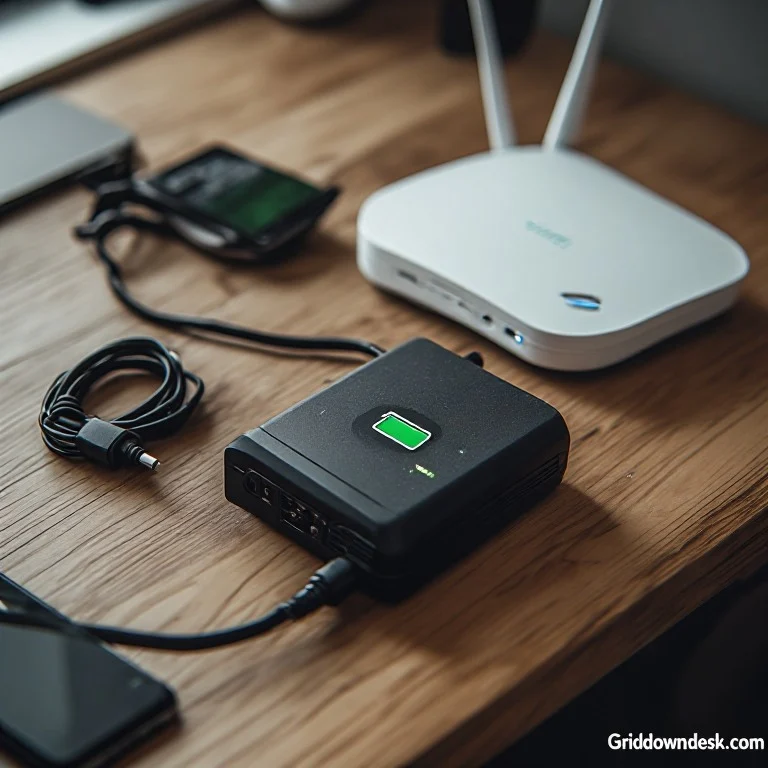
When the power goes out, users often rush to plug their Wi-Fi router into a backup battery. However, if the ISP’s Optical Network Terminal (the small box where the thin fiber-optic cable enters your home) is without power, your router has no internet signal to broadcast.
Powering the ONT is the absolute priority. Furthermore, powering the ONT separately from your Wi-Fi router allows for a modular backup strategy. You can keep the ONT running 24/7 on a small battery, and only turn on your main router when you actively need Wi-Fi, drastically extending your total emergency runtime.
Real-world ONT power consumption
ONT devices are highly optimized for low power consumption, as they are often designed to be mounted in tight spaces or even outdoors in specialized enclosures.
Typical power consumption:
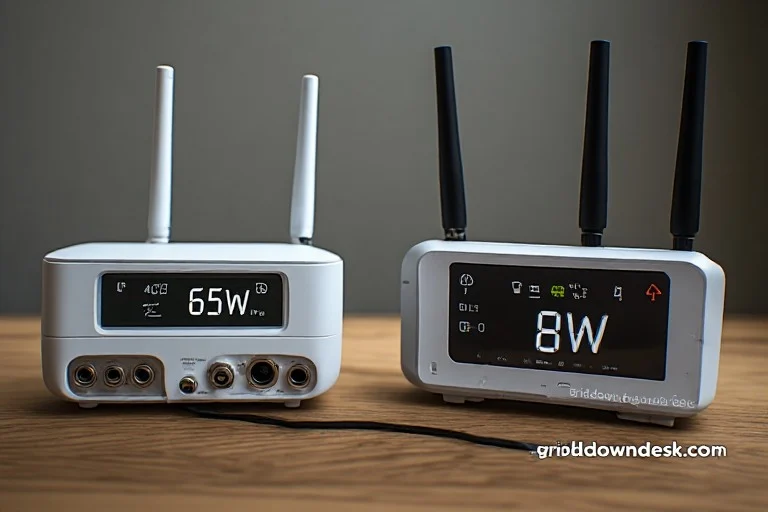
- Standard GPON/EPON ONT: 5W to 8W continuous draw.
- ONT with built-in Wi-Fi (Gateway): 8W to 12W continuous draw.
- Voltage Requirements: The vast majority of standalone ONTs operate on 12V DC (1A or 2A). Some older or specific models (like certain Huawei or ZTE units) require 9V DC.
Critical Warning: Never guess the voltage. Supplying 12V to a 9V ONT will permanently fry its internal power regulation circuit. Always check the label on the bottom of the device.
Calculating the ONT runtime
Because we are using a direct DC-to-DC connection (from the power bank’s 5V USB output, stepped up to 9V/12V by the cable’s converter), the efficiency is very high. For the foundational math, see our guide on home backup power calculator sizing.
Runtime (hours) = (Power Bank Capacity in Wh × 0.90) ÷ ONT Wattage
Note: We use 0.90 to account for the ~10% energy loss in the USB-C step-up converter and cable resistance.
Example Calculation:
- You have a 20,000mAh power bank (74Wh).
- Your ONT draws 8W continuously.
- Usable energy: 74 Wh × 0.90 = 66.6 Wh.
- Runtime: 66.6 Wh ÷ 8W = ~8.3 hours.
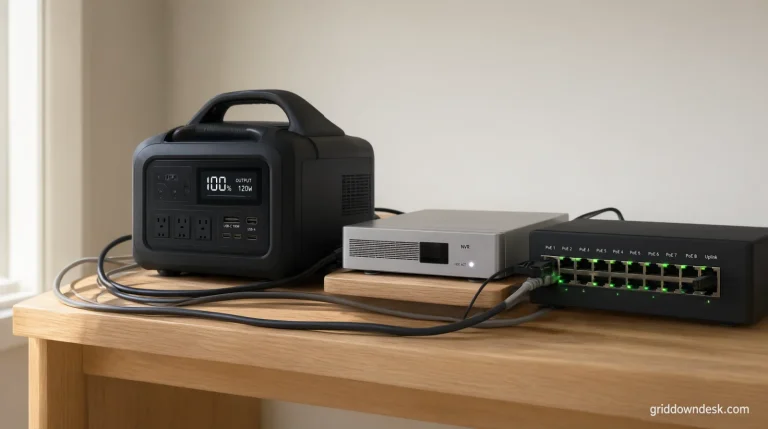
If you pair this with a dedicated mini UPS for your Wi-Fi router (as detailed in our guide on keeping Wi-Fi on during a blackout), you create a highly resilient, low-power internet survival kit.
Step-by-step setup guide
Step 1: Identify the exact voltage and polarity. Unplug your ONT and read the power adapter label. Look for “Output: 12V 1A” (or 9V). Also, note the barrel jack size (usually 5.5mm x 2.1mm) and polarity (almost always center-positive).
Step 2: Acquire a USB-C to DC trigger cable. Purchase a high-quality USB-C to DC barrel jack cable with a built-in voltage converter (step-up module). Ensure it is explicitly rated for the voltage your ONT requires (e.g., a “5V to 12V step-up cable”).
Step 3: Test before the blackout. Plug the USB-C end into your power bank, and the DC end into the ONT (with the original power adapter unplugged). The ONT should boot up normally, and the “PON” or “Optical” light should turn solid green, indicating a successful connection to the ISP’s node.
Step 4: Optimize for extended outages. If the outage is prolonged, turn off your main Wi-Fi router. The ONT will maintain the fiber link with the ISP. When you need to check email or send a message, plug your router into its own backup battery, use the internet, and then turn it off again to save power.
What NOT to do during a blackout
- Do not use a generic, non-regulated USB cable. A simple wire without a step-up converter will only deliver 5V, which is insufficient to power a 12V ONT, causing it to boot-loop or fail to connect to the fiber network.
- Do not ignore ISP node outages. Even if your ONT is perfectly powered, the ISP’s neighborhood node might be on a generator that fails after 4 hours. If the “LOS” (Loss of Signal) light turns red, your backup power is working, but the external network is down. In this scenario, switching to a cellular backup is your only option. For details, see our guide on 4G LTE modem blackout backup.
- Do not leave the power bank unattended in extreme heat. If the ONT and power bank are in a poorly ventilated closet, the combined heat generation could trigger thermal protection.
Maintaining your internet readiness
A backup system is only as reliable as its weakest link. Power banks degrade if left at 0% or 100% for months. Check your internet backup battery every 3 months and top it up to 60-70%. For comprehensive battery care instructions, see our guide on how to maintain and store your portable power station (the same lithium-ion care principles apply to high-quality power banks).
FAQ
Can I power my ONT and my router from the same power bank? Yes, if the power bank has multiple USB output ports. However, ensure the total combined wattage (ONT + Router) does not exceed the power bank’s maximum total USB output (usually 18W to 30W for standard models).
Will powering the ONT directly void my ISP contract? No. You are simply providing an alternative DC power source to the device. You are not modifying the fiber optic cable, the network configuration, or the ISP’s equipment in any way.
What if my ONT requires 9V, but I only have a 12V step-up cable? Do not use it. You must purchase a cable with a switchable voltage (e.g., 5V/9V/12V selectable) or a dedicated 9V step-up module. Over-volting is the fastest way to destroy the ONT.
Why does my ONT take 2-3 minutes to connect after I plug in the power bank? This is normal. The ONT must boot its operating system, synchronize with the ISP’s Optical Line Terminal (OLT) at the neighborhood node, and authenticate. Wait for the “PON” or “Internet” LED to turn solid green before expecting data to flow.