Garage Door Opener Blackout Power Guide
Short answer
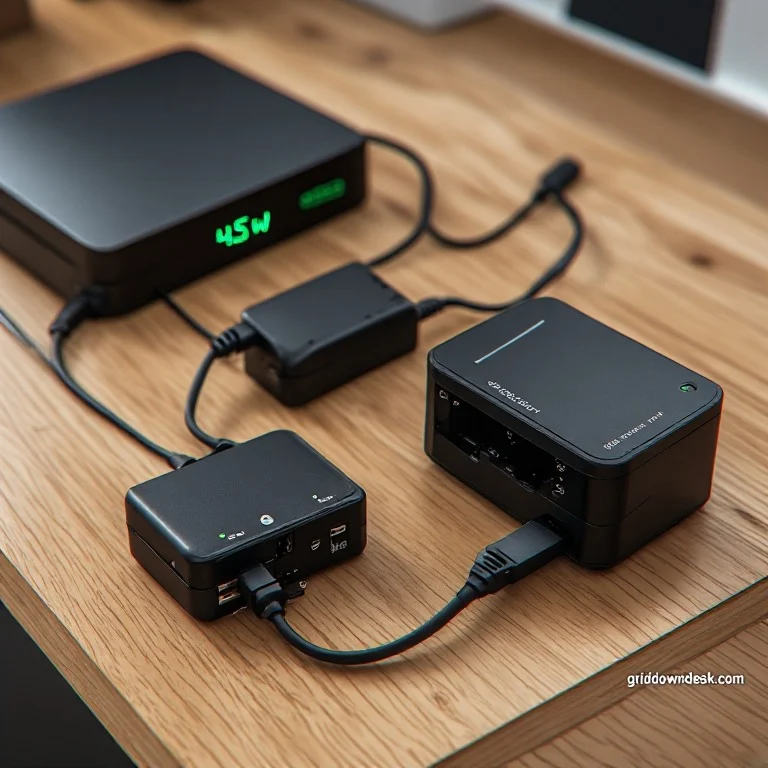
A standard AC garage door opener draws 500W to 800W during operation, with startup surges up to 1100W. To safely operate your garage door during a blackout, you need a pure sine wave UPS or portable power station with at least 800W of continuous output and a 1200W+ surge capacity. This setup will provide 15 to 30 reliable open/close cycles, offering a much safer alternative to manually lifting a heavy, unbalanced door.
The manual release reality
The standard advice during a power outage is to pull the red emergency release cord and lift the door manually. While this works in theory, it presents significant real-world risks:
- Physical Danger: A typical double-car garage door weighs between 130 and 250 lbs (60-115 kg). Without the counterbalance of the opener's motor and springs, the door can become dead weight. If the springs are improperly tensioned, the door can fall rapidly, causing severe injury or property damage.
- Security Vulnerability: Manually disengaging the door often leaves it partially open or difficult to lock securely from the outside, compromising home security during an already vulnerable blackout scenario.
- Inconvenience: For elderly individuals or those with mobility issues, manually lifting a heavy door is simply not feasible.
A dedicated backup power source eliminates these risks entirely, allowing the door to operate normally with the push of a button.
Real-world power consumption by motor type
Garage door openers are not created equal. The type of motor dictates your backup power requirements. Check your unit's manual or the label on the motor housing.
Typical power consumption:
- AC Motor (1/2 HP, older/standard models): 500W – 800W running, 1100W – 1500W startup surge.
- DC Motor (1/2 HP or 3/4 HP, newer belt-drive models): 200W – 300W running, 400W – 600W startup surge.
- Smart Features (Wi-Fi, battery backup lights): Add 5W – 10W continuous idle draw.
Note: DC motor openers are significantly more efficient and easier to back up. Some even have proprietary 12V or 24V DC backup battery packs available from the manufacturer.
Calculating your garage door runtime
Unlike a refrigerator that runs continuously, a garage door opener only draws power for the 20 to 30 seconds it takes to open or close. Therefore, we calculate backup capacity in cycles, not hours. For the foundational math, see our guide on home backup power calculator sizing.
Energy per Cycle (Wh) = (Running Watts × Time in Hours)
Example Calculation (AC Motor, 1/2 HP):
- Running load: 600W.
- Cycle time: 30 seconds (0.0083 hours).
- Energy per cycle: 600W × 0.0083h = 5 Wh per open/close cycle.
- Usable energy from a 500Wh UPS (at 85% efficiency): 425 Wh.
- Theoretical cycles: 425 Wh ÷ 5 Wh = 85 cycles.
Reality Check: Due to the UPS inverter's baseline idle power draw (which consumes power even when the door isn't moving) and surge inefficiencies, you can realistically expect 15 to 25 reliable cycles from a 500Wh unit before it needs recharging. This is more than enough for several days of normal use during an outage.
Best practices for garage door backup
- Pure Sine Wave is Mandatory: AC motors in garage door openers are highly inductive. A modified sine wave UPS will cause the motor to overheat, hum loudly, and potentially burn out the internal capacitors. Always verify "Pure Sine Wave Output".
- Use a Heavy-Duty Extension Cord: Garage outlets are often far from the door. Use a 14-gauge or 12-gauge extension cord to connect the UPS to the opener. Thin 16-gauge cords will cause voltage drop, preventing the motor from overcoming the initial startup surge.
- Test the Setup: Once connected, simulate an outage by unplugging the opener from the wall. Press your remote or wall button. The door should operate smoothly without the UPS tripping.
- Disable unnecessary features: If your opener has a built-in incandescent light bulb that turns on with every cycle, unscrew it or replace it with a low-wattage LED. This saves a small but meaningful amount of energy per cycle.
Maintaining your backup readiness
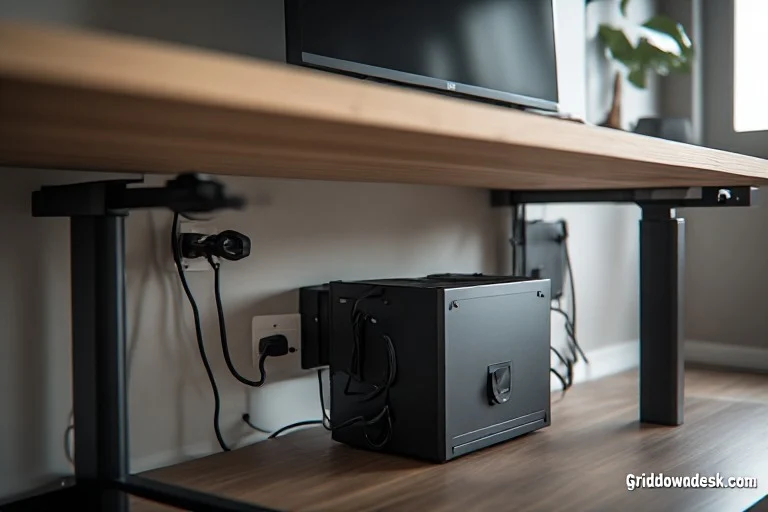
A UPS sitting in a garage is subject to extreme temperature fluctuations, which degrade lead-acid batteries rapidly. If possible, keep the UPS in a climate-controlled area and only bring it into the garage during an outage. If it must stay in the garage, check its charge level monthly. For comprehensive battery care instructions, see our guide on how to maintain and store your portable power station (the same principles apply to UPS batteries).
FAQ
Can I use a portable power station instead of a UPS? Yes, a portable power station with a pure sine wave inverter and at least 800W continuous output will work perfectly. However, a traditional line-interactive UPS is often cheaper, more compact, and easier to mount near the ceiling track.
My newer garage door has a "backup battery" option. Should I use it? Yes! If your manufacturer (like LiftMaster or Chamberlain) offers an official DC backup battery module, this is the optimal solution. It integrates directly with the DC motor, bypassing the need for an external AC inverter entirely, resulting in maximum efficiency and seamless operation.
Will the UPS keep my garage door Wi-Fi connected? Yes, if the Wi-Fi module is powered by the same unit. However, be aware that if your home router is also on a separate backup, the door opener may take a few minutes to reconnect to the network after the power switches to the UPS.
Why does my UPS beep loudly when I open the door? The beep indicates the UPS is under a heavy load (the motor's startup surge). This is normal behavior. If the beeping is continuous and the UPS shuts down, the surge exceeded the unit's capacity, and you need a larger UPS.