Powering Security Cameras During a Blackout
Short answer
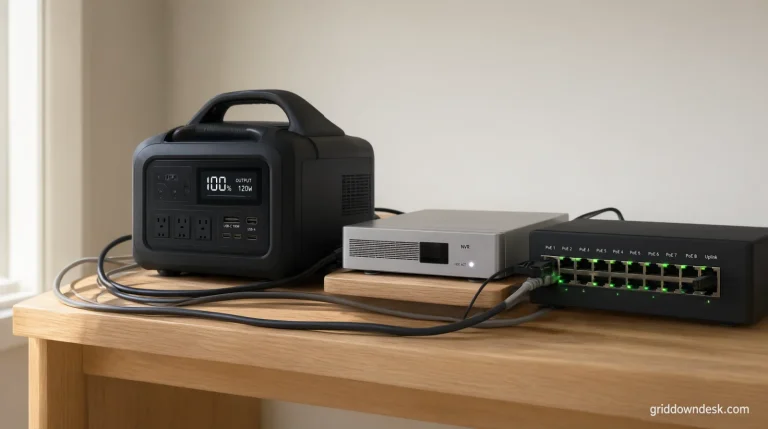
A typical 4-camera PoE (Power over Ethernet) security system, including the NVR (Network Video Recorder) and PoE switch, draws between 40W and 60W continuously. A 500Wh portable power station with a pure sine wave inverter will keep this entire system running for approximately 7 to 9 hours during a power outage, ensuring your property remains monitored and recorded.
Why security systems fail during outages
Many homeowners assume their security cameras will keep working during a blackout because the cameras themselves do not plug into wall outlets. However, the cameras receive both data and power through a single Ethernet cable from a PoE switch or an NVR with built-in PoE.
When the grid goes down, the NVR and the PoE switch lose power instantly. Without a dedicated battery backup for the recording equipment, the cameras become useless "dumb" lenses, and no footage is captured during the most critical time: the outage itself.
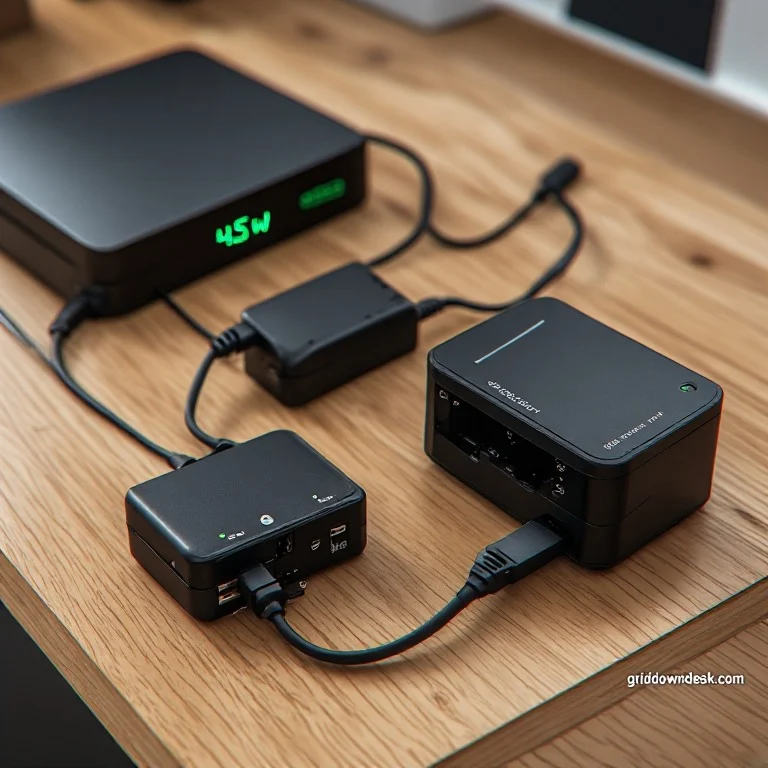
Real-world power consumption breakdown
To size your backup correctly, we must look at the actual power draw of each component, not just the maximum rating on the power brick. Based on standard hardware specifications:
| Component | Typical Power Draw | Notes |
|---|---|---|
| NVR (with 1-2 HDDs) | 20W – 35W | Hard drives spin up briefly, drawing extra power. |
| PoE Switch (4-8 ports) | 10W – 15W | Base power for the switch itself, excluding cameras. |
| PoE Camera (Standard 1080p) | 4W – 6W | Uses 802.3af standard (up to 15.4W max, but rarely uses it). |
| PoE Camera (PTZ or 4K with IR) | 10W – 15W | Uses 802.3at standard; IR LEDs at night increase draw. |
Example Setup Calculation:
- 1x NVR: 30W
- 1x 4-port PoE Switch: 12W
- 4x Standard PoE Cameras (4 x 5W): 20W
- Total Continuous Load: 62 Watts
For a detailed guide on how to measure your exact device wattage, refer to our article on how to calculate your home office power needs.
Calculating the backup runtime
Using the standard runtime formula, we can determine exactly how long your security system will stay online.
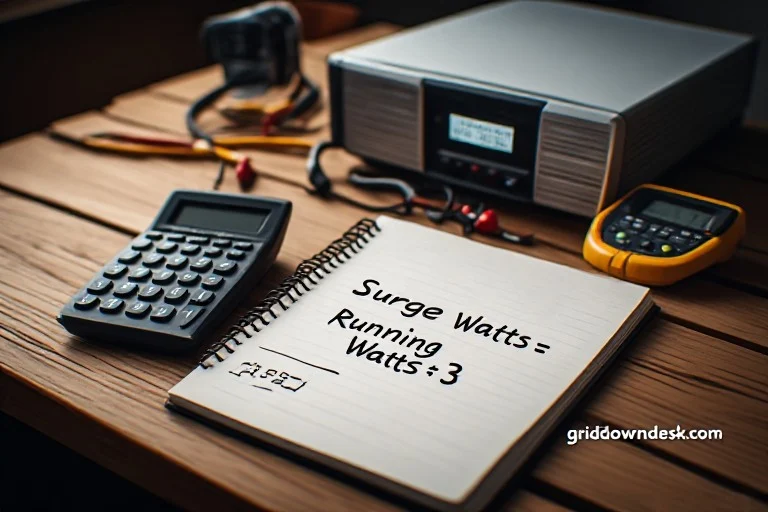
Runtime (hours) = (Battery Capacity in Wh × Inverter Efficiency) ÷ Total Load (W)
Assuming a pure sine wave inverter efficiency of 85% (0.85):
- With a 500Wh Power Station:
(500 × 0.85) ÷ 62W = ~6.8 hours
- With a 1000Wh Power Station:
(1000 × 0.85) ÷ 62W = ~13.7 hours
Note: If your cameras have infrared (IR) night vision, expect the power draw to increase by 15-20% at night, which will slightly reduce these runtime estimates.
Best practices for camera backup
- Prioritize critical cameras: If you have a large 16-camera system, backing up all of them requires a massive battery. Instead, plug only the NVR and the PoE switch ports connected to critical areas (e.g., front door, driveway, garage) into the backup power. Leave non-essential cameras unpowered.
- Use DC direct connection if possible: Some NVRs and PoE switches accept 12V DC input directly. Using a 12V DC cable from your power station (bypassing the AC inverter) eliminates the 15% inverter loss, extending your runtime significantly.
- Disable unnecessary features: During a prolonged outage, access the NVR settings and disable continuous recording. Switch to "motion detection only" to reduce hard drive write cycles and slightly lower the NVR's CPU and power consumption.
Maintaining your backup system
A backup system is only useful if it works when needed. Lithium batteries self-discharge over time. To ensure your power station is ready for an unexpected blackout, check its charge level every 3 to 6 months and top it up to 70-80%. For comprehensive battery care instructions, see our guide on how to maintain and store your portable power station.
FAQ
Can I use a standard UPS instead of a portable power station? Yes, but with limitations. A standard 1500VA UPS might only have 900Wh of battery capacity and will run the system for about 10-12 hours. However, portable power stations are often easier to recharge via solar panels if the outage lasts for multiple days.
Will the cameras reboot when the power switches to the battery? If you use a high-quality pure sine wave power station or a dedicated DC backup, the transition is seamless. The PoE switch will not drop power, and the cameras will remain online without rebooting.
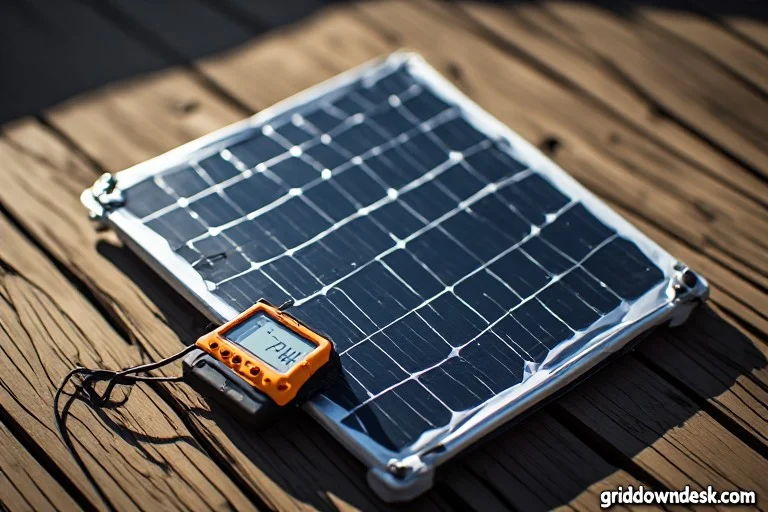
Can I recharge the power station with solar while the cameras are running? Yes. A single 100W solar panel producing 70W in real-world conditions will nearly offset the 62W load of a 4-camera system. This creates a sustainable loop during daylight hours, potentially keeping your security system running indefinitely during a multi-day outage.
Do Wi-Fi security cameras use less power for backup? Yes, because they do not require a PoE switch. A Wi-Fi camera and its router draw significantly less total power. However, Wi-Fi cameras are vulnerable to network jamming and are generally less reliable for critical security than wired PoE systems.