Smart Home Blackout Power Guide
Short answer
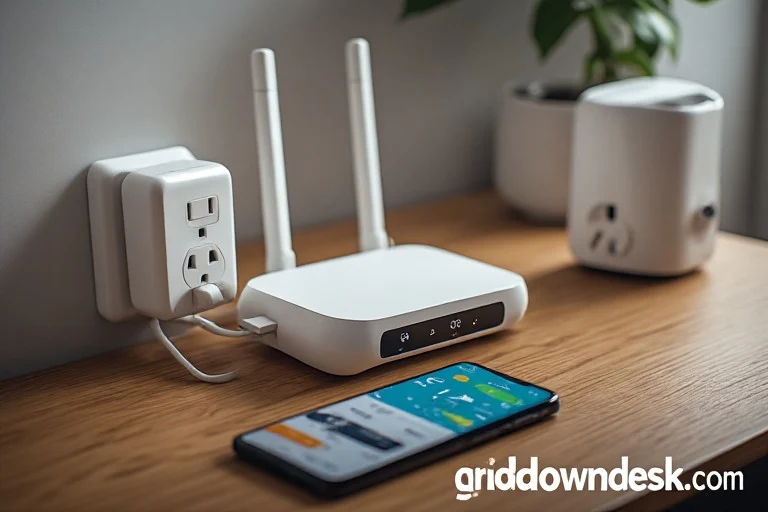
To keep your smart home automation running during a blackout, you do not need a massive power station. By backing up only the central hub (like Home Assistant or SmartThings) and relying on battery-powered Zigbee or Z-Wave sensors, a small 12V 10,000 mAh battery can keep your core automation alive for 24 to 48 hours.
The smart home advantage during outages
Unlike traditional electrical systems, a properly designed smart home can actually become more useful during a power outage, provided its "brain" stays alive. While the main grid is down, your backed-up hub can still:
- Monitor battery-powered door/window sensors for security.
- Track temperature drops to prevent frozen pipes.
- Send push notifications to your phone via a cellular backup connection.
- Control low-voltage DC lighting in critical areas.
The key is understanding that smart home protocols like Zigbee and Z-Wave are designed for ultra-low power consumption, making them ideal for blackout scenarios.
Calculating smart home power draw
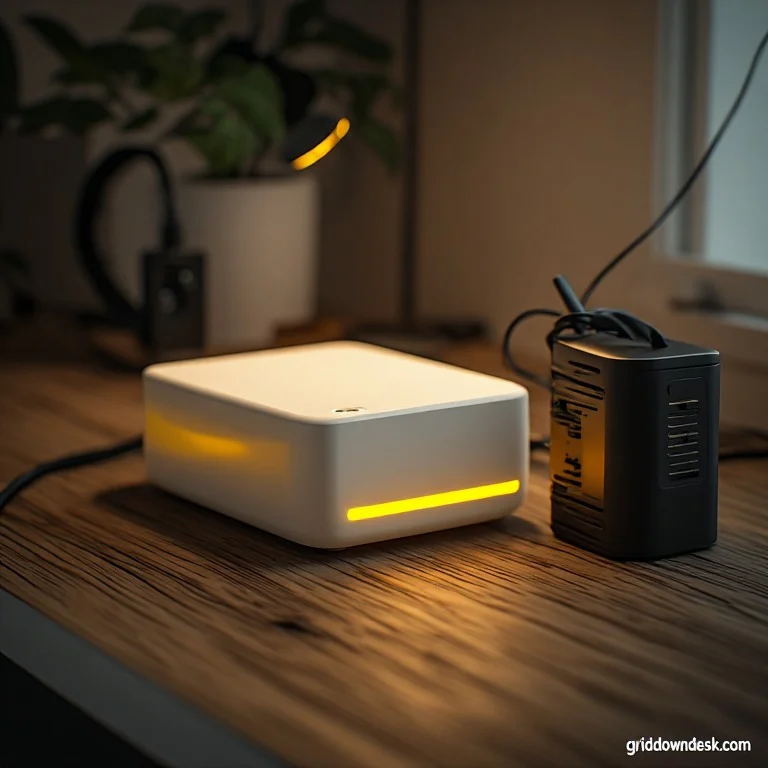
Smart home hubs draw significantly less power than Wi-Fi routers or PCs.
Typical power consumption:
- Home Assistant (Yellow/Green): 3W to 5W (idle to moderate load)
- Samsung SmartThings Hub: 4W to 6W
- Zigbee/Z-Wave USB Dongle: 1W to 2W
- Battery-powered sensors: 0W (they sleep 99% of the time, running on internal coin cells for 1-2 years)
Total baseline load for the core automation brain: ~6 to 8 Watts.
For a detailed breakdown of how to measure exact device wattage, refer to our guide on how to calculate your home office power needs.
Sizing the backup battery
Using the standard runtime formula, we can calculate how long a small battery will last.
Runtime (hours) = (Battery Capacity in Wh × 0.90) ÷ Hub Wattage
Example Calculation:
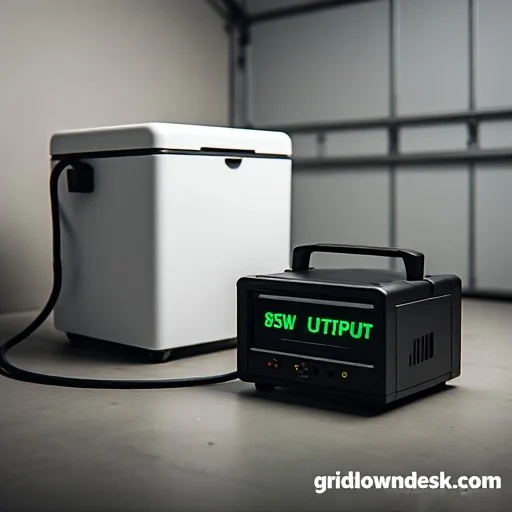
- You use a 12V 10,000 mAh mini UPS or lithium pack.
- Capacity in Wh: (10,000 mAh × 12V) ÷ 1000 = 120 Wh.
- Usable energy (90% efficiency): 120 × 0.90 = 108 Wh.
- Hub load: 6W.
- Runtime: 108 Wh ÷ 6W = 18 hours.
If you upgrade to a 20,000 mAh pack (240 Wh), your smart home hub can easily run for 36+ hours on a single charge. This is far more efficient than trying to power the entire home Wi-Fi network and smart displays.
Best practices for blackout automation
- Separate the hub from heavy loads: Do not plug smart speakers (like Echo or Nest Audio) or smart displays into your limited backup battery. They draw 5W to 15W constantly and will drain your battery in hours. Keep the backup strictly for the hub and network gear.
- Use local execution: Ensure your automations are processed locally on the hub, not in the cloud. If the internet goes down along with the power, cloud-dependent smart homes become useless. Home Assistant excels at this.
- Create a "Blackout Mode" scene: Program an automation that triggers when the hub detects a drop in mains voltage (via a smart plug with power monitoring). This scene can automatically send a Telegram notification, turn on a specific low-power Zigbee bulb, and disable non-essential background tasks to save CPU cycles and power.
Hardware recommendations for resilience
- Uninterruptible Power Supply (UPS) for the Hub: A simple 12V mini UPS is the most efficient choice. For more details on DC backup efficiency, see our guide on how to maintain and store your portable power station (the same battery care principles apply to 12V packs).
- Cellular Backup: Pair your hub with a 4G/LTE USB modem or a smartphone tethered via USB. This ensures your hub can still send critical alerts even if the fiber optic line is dead.
- Zigbee Light Bulbs with "Default On": Configure smart bulbs to turn on when power is restored, or use battery-powered puck lights for safe navigation in the dark.
FAQ
Can I power my entire smart home network from one small battery? No. Focus only on the "brain" (the hub) and perhaps the primary mesh router. Smart displays, TVs, and high-wattage smart appliances should remain off during an outage to conserve energy.
Do Zigbee sensors work if the hub is on battery but the Wi-Fi is down? Yes. Zigbee and Z-Wave create their own independent mesh network. As long as the hub is powered and the sensors have their internal batteries, they will continue to report state changes (like a door opening) to the hub.
Will frequent blackouts damage my smart home hub? Sudden power cuts can corrupt SD cards (common in Raspberry Pi-based hubs). Using a mini UPS provides a graceful shutdown or continuous power, protecting your data and hardware from abrupt voltage drops.
How do I know when the backup battery is running low? Many advanced hubs can monitor the voltage of a connected USB or DC power source via a smart plug or a specialized HAT (Hardware Attached on Top). You can set an automation to alert you when the backup battery drops below 20%.