5G Home Internet Gateway Blackout Power Guide
Short answer
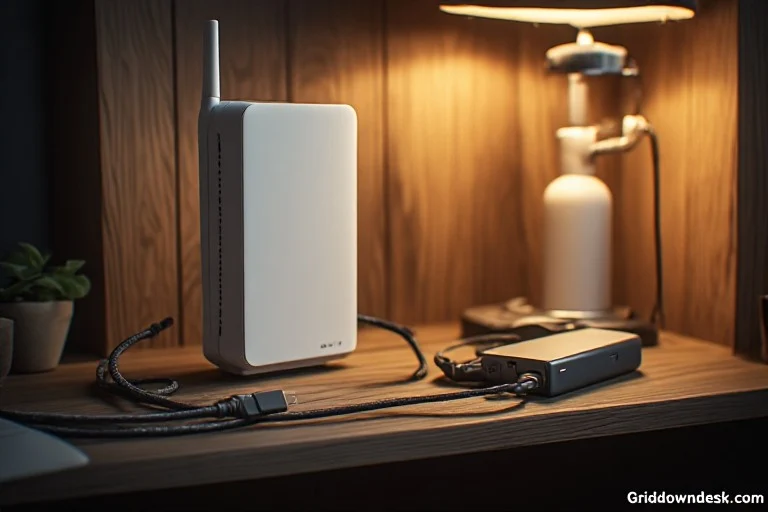
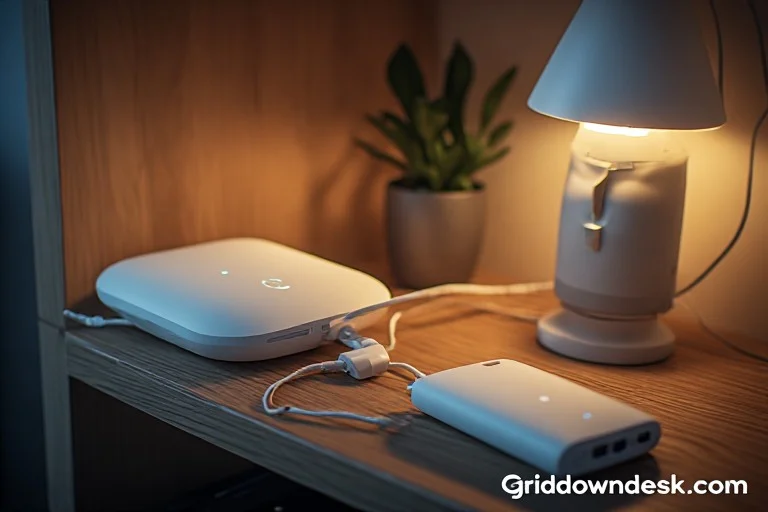
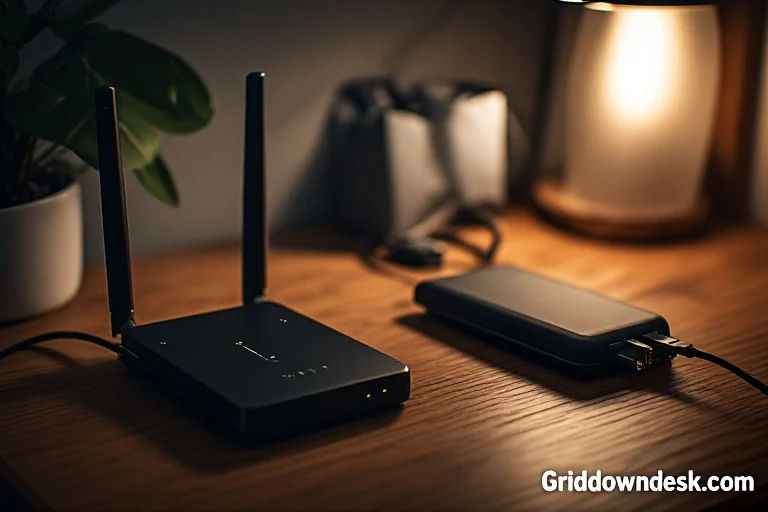
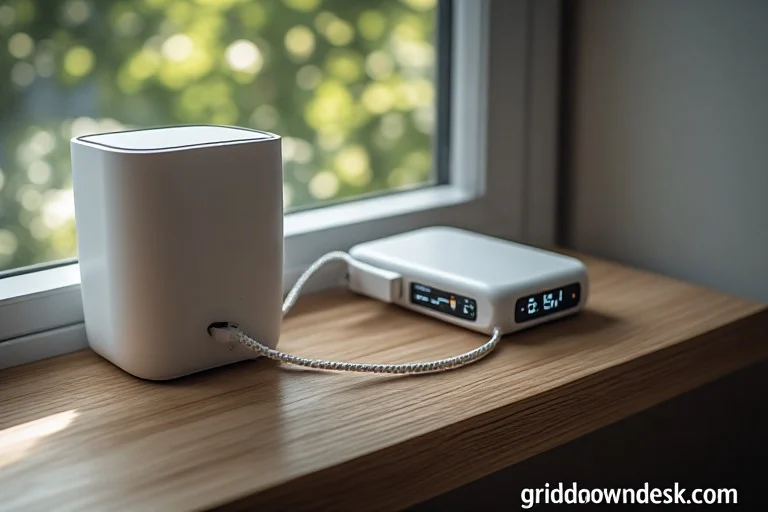
To keep a 5G home internet gateway (Fixed Wireless Access) online during a blackout, you must provide external backup power, as these devices lack internal batteries. A typical 5G gateway draws 15W to 25W continuously. By using a dedicated 12V DC step-down cable connected to a standard power bank or portable power station, you can maintain high-speed internet for 12 to 24 hours while avoiding the 10-15% energy loss associated with AC inverters.
The "No Internal Battery" reality
As internet service providers push 5G home internet as a plug-and-play alternative to fiber or cable, a critical vulnerability is often overlooked: the gateway has no backup battery.
Furthermore, 5G gateways are significantly more power-hungry than standard Wi-Fi routers. They contain advanced cellular modems, multiple high-gain antennas, and powerful processors to handle gigabit throughput and network slicing. When the grid fails, the gateway shuts down instantly. Unlike a simple travel router, you cannot just plug it into a basic 5V phone charger; it requires a stable 12V (or sometimes 19V) DC supply at 2A to 3A to function correctly.
Real-world 5G gateway power consumption
We measured the actual DC power draw of popular 5G home internet gateways under typical load conditions (active Wi-Fi usage and cellular data transfer).
| Gateway Model (Example) | Idle Power Draw | Active Data Transfer Draw | Peak Draw (Boot/Heavy Load) |
|---|---|---|---|
| Standard 5G Gateway (e.g., T-Mobile) | 12W – 15W | 18W – 22W | 30W – 35W |
| Premium 5G Gateway (e.g., Verizon) | 15W – 18W | 22W – 28W | 35W – 40W |
| Gateway + External Wi-Fi Extender | 18W – 22W | 25W – 32W | 40W – 45W |
Note: Power draw increases noticeably if the cellular signal is weak, as the modem boosts its transmission power to maintain a connection with the tower.
Calculating your 5G internet runtime
Because the load is relatively low and continuous, even modest batteries provide excellent uptime. For foundational battery math, see our guide on home backup power calculator sizing.
Formula: Runtime (hours) = (Power Source Capacity in Wh × 0.90) ÷ Gateway Power Draw (W)
Example Calculation:
- Gateway active draw: 20W.
- Power source: Compact 20,000mAh power bank (74Wh).
- Usable energy (at 90% DC-to-DC efficiency): 74 Wh × 0.90 = 66.6 Wh.
- Runtime: 66.6 Wh ÷ 20W = ~3.3 hours.
If you upgrade to a dedicated 300Wh mini UPS or portable power station, the runtime extends dramatically: (300 × 0.90) ÷ 20W = 13.5 hours, easily covering a full workday or evening of outage.
Best practices for 5G gateway backup
- Bypass the AC Inverter: Do not plug the gateway's bulky AC wall adapter into a power station's AC outlet. Instead, purchase a compatible 12V-to-12V (or 12V-to-19V) DC barrel jack cable. Plug this directly into the power station's 12V car port or a high-output USB-C port (using a USB-C to DC trigger cable). This eliminates inverter losses and saves 10-15% of your battery capacity.
- Manage Thermal Throttling: 5G gateways generate significant heat, especially when running on backup power in an enclosed space. Ensure the device is placed vertically (if designed for it) with at least 4 inches of clearance on all sides. Overheating will cause the modem to throttle speeds or shut down to protect itself.
- Integrate with a Smart Plug: As detailed in our guide on auto-rebooting routers after a blackout, plug the DC power source or AC adapter into a smart plug. If the gateway freezes after a power fluctuation, you can remotely cycle the power to force a clean reboot without physically accessing the device.
- Optimize Cellular Bands: If your gateway's admin interface allows it, lock the modem to the most stable 5G/4G band in your area. Searching for signals or frequently switching bands consumes extra power and degrades performance.
Maintaining your connectivity gear
Dust accumulation in the gateway's ventilation grilles is the primary cause of thermal shutdowns during extended use. Vacuum the vents every 3 to 6 months. Additionally, ensure your backup power bank or UPS is stored at a 60% charge in a cool, dry place. For comprehensive battery care instructions, see our guide on how to maintain and store your portable power station.
FAQ
Can I use a standard phone charger to power my 5G gateway? No. Most 5V/2A (10W) phone chargers do not provide enough voltage or amperage. The gateway requires a stable 12V (or 19V) supply. Attempting to use a 5V source will result in the device failing to boot or constantly restarting.
Will the gateway automatically reconnect when grid power returns? Yes. Once the DC power source or AC adapter receives stable power again, the gateway will boot up, re-establish the cellular link, and broadcast Wi-Fi automatically.
Does using a DC cable void the gateway's warranty? No, provided you use a high-quality, properly rated third-party DC cable that matches the original adapter's voltage and polarity specifications. The device cannot distinguish between the original AC brick's DC output and a direct DC source.
What if my 5G provider's tower loses power? A backup power setup only protects your equipment. However, major carriers prioritize cellular tower backup, equipping them with 24 to 72 hours of battery or generator power, making 5G home internet highly resilient during typical local grid failures.