NAS and Home Server Battery Backup: Sizing and Safe Shutdown
Short answer
To protect a NAS or home server from data corruption during a blackout, you need a pure sine wave UPS with 200 to 400 watt-hours (Wh) of usable capacity. This provides enough runtime to keep the system alive for 15 to 30 minutes, which is the exact window required to trigger an automated, safe shutdown via network management software like NUT or APCUPSD.
Why NAS systems need special protection
Unlike a standard desktop PC, a NAS (Network Attached Storage) is constantly writing data to multiple hard drives, often in a RAID configuration. A sudden power loss during a write operation can corrupt the file system, damage the RAID array, or physically damage the mechanical hard drive heads.
Rebuilding a degraded RAID array after a crash puts immense stress on the remaining drives, significantly increasing the risk of a total data loss event. A UPS is not optional for a NAS; it is a mandatory insurance policy for your data.
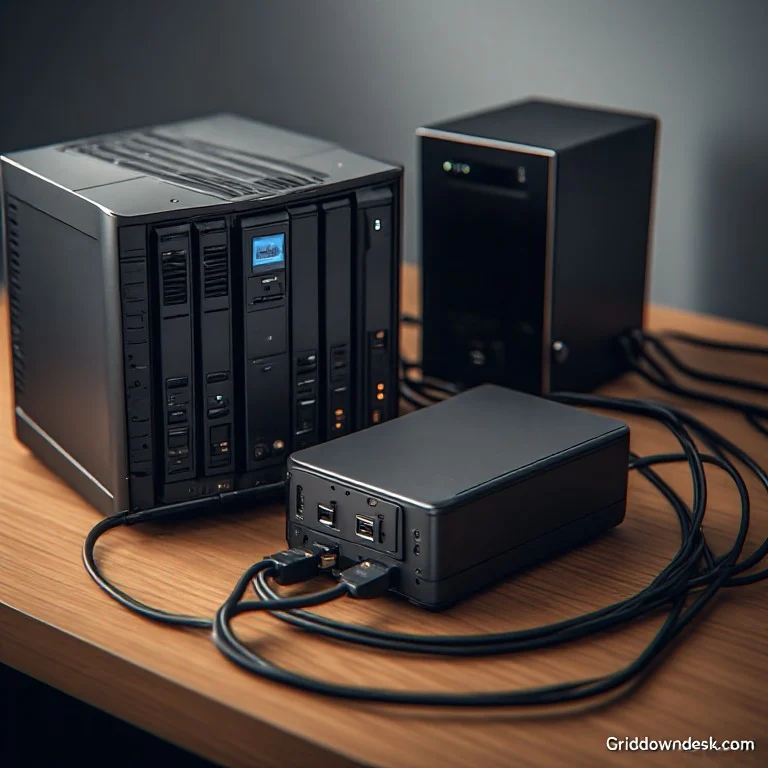
Calculating NAS and Server power draw
Home servers and NAS units are designed to be energy-efficient, but their power draw spikes when the hard drives spin up or when the CPU is under heavy load (like Plex transcoding or file indexing).
Typical power consumption:
| Device Type | Idle Wattage | Load Wattage | Drive Spin-up Surge |
|---|---|---|---|
| 2-Bay NAS (e.g., Synology) | 15 – 25 W | 30 – 45 W | 80 – 100 W |
| 4-Bay NAS (e.g., QNAP) | 30 – 45 W | 50 – 70 W | 120 – 150 W |
| Mini PC Server (Intel N100) | 10 – 15 W | 25 – 35 W | 40 – 60 W |
| Mini PC Server (Core i5/i7) | 30 – 50 W | 65 – 100 W | 150 – 200 W |
To find your exact load, you can use a plug-in watt meter, or simply check the manufacturer's specifications. For more details on measuring your exact power needs, see our guide on how to calculate your home office power needs.
Sizing the UPS for safe shutdown
The goal of a UPS for a NAS is not to keep it running for hours. The goal is to provide a graceful 10 to 20-minute window to save open files, flush the disk cache, and shut down the operating system safely.
Using the standard runtime formula from our guide on UPS runtime explained: VA vs watt-hours, we can calculate the required capacity.
The target: 20 minutes (0.33 hours) of runtime at the device's idle wattage, accounting for 70% usable battery share and 85% inverter efficiency.
| NAS / Server Setup | Average Load | Required Usable Energy | Recommended UPS Capacity |
|---|---|---|---|
| 2-Bay NAS | 20 W | 11 Wh | 100 – 150 Wh (Entry UPS) |
| 4-Bay NAS | 40 W | 22 Wh | 200 – 300 Wh (Mid UPS) |
| Mini PC + 4-Bay NAS | 60 W | 33 Wh | 300 – 500 Wh (Mid UPS) |
| Full Home Lab (Server + NAS) | 100 W | 56 Wh | 500 – 700 Wh (Large UPS) |
Pure sine wave is mandatory
Mechanical hard drives and server power supplies are highly sensitive to power quality. You must use a UPS with a pure sine wave inverter.
Cheaper "simulated" or "modified" sine wave UPS units produce a choppy electrical signal. This can cause the NAS power supply to overheat, introduce electrical noise that causes bad sectors on hard drives, or cause the server to randomly reboot even when on battery power. Always check the specifications for "pure sine wave output" before buying.
Configuring automated safe shutdown
A UPS is useless for a NAS if it just dies when the battery runs out. You must configure the server to shut itself down automatically when the battery reaches a critical level (usually 20-30%).
Step 1: Connect via USB. Plug the USB data cable from the UPS into the NAS or server. This allows the device to read the battery status.
Step 2: Install Network UPS Tools (NUT) or vendor software. If you are using a Synology or QNAP NAS, the built-in UPS settings menu supports most major brands (APC, CyberPower, Eaton) natively. Simply select your model from the dropdown list. For custom Linux servers or Proxmox setups, install the nut (Network UPS Tools) package.
Step 3: Set the shutdown threshold. Configure the software to initiate a safe shutdown when the UPS battery reaches 20% or when the estimated runtime drops below 5 minutes. This ensures the system is completely powered off before the battery is physically depleted.
Step 4: Enable network shutdown (Optional). If your UPS is connected to your main server, you can configure NUT to act as a server itself. This allows other devices on your network (like a secondary NAS or a smart home hub) to receive the shutdown signal over the network and power down gracefully at the same time.
Practical tips for home lab owners
Replace UPS batteries proactively. A standard lead-acid UPS battery lasts 3 to 4 years. If your UPS beeps every 10 seconds or fails a self-test, replace the internal battery immediately. A dead battery will not protect your NAS during a sudden outage.
Keep the UPS cool. Heat is the number one enemy of UPS batteries. Do not place your UPS in a closed, unventilated server rack or next to a hot space heater. Keep it in a cool, dry area to maximize battery lifespan.
Test the shutdown sequence. Once configured, physically unplug the UPS from the wall to simulate a blackout. Watch your NAS interface to ensure it detects the power loss, switches to battery, and initiates the shutdown sequence as expected.
FAQ
Can I use a portable power station instead of a traditional UPS for my NAS? Yes, but with a major caveat. Most portable power stations do not support USB data communication (HID/USB-CDC) required for NUT or NAS software to read the battery status. Without this data link, the NAS cannot trigger an automatic safe shutdown. Only use a power station if it explicitly supports UPS communication protocols.
How long does it take for a NAS to shut down safely? A typical NAS takes 3 to 5 minutes to close all services, unmount file systems, and spin down the hard drives. This is why a 15 to 20-minute UPS runtime is the recommended minimum safety margin.
Do I need a UPS for my Wi-Fi router if I have a NAS? Yes. If the power goes out and your router dies, your NAS loses network connectivity. While the NAS can still shut down locally, you will lose remote access to your files and smart home integrations. Use a small 12V mini UPS for the router alongside your main NAS UPS.
What happens if the power comes back while the NAS is shutting down? Most modern NAS operating systems and UPS software are smart enough to cancel the shutdown sequence if AC power is restored before the system actually powers off. The NAS will simply resume normal operation.