Blackout Workspace Lighting & Ergonomics Guide
Short answer
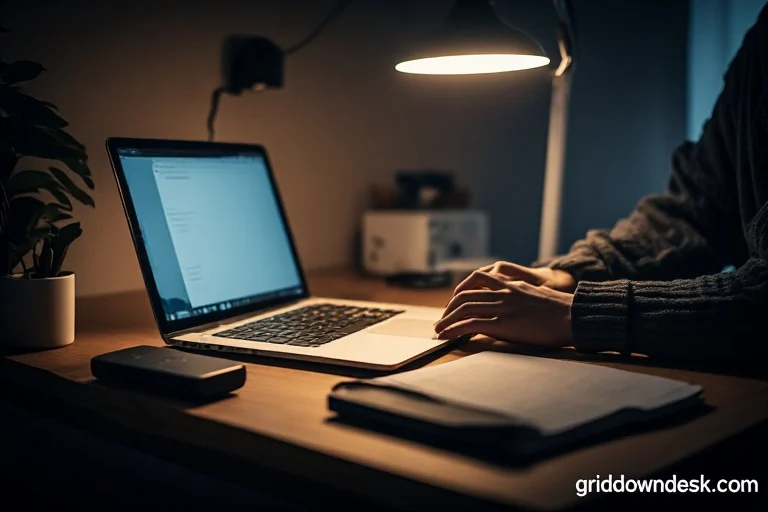
To work comfortably during a blackout, avoid relying solely on your screen's glow. Use a combination of bias lighting (behind the monitor) and a focused, battery-powered task lamp (3W–5W, 4000K color temperature, 300–500 lumens). Powered by a standard 20,000mAh USB-C power bank, this lighting setup will run for 10 to 15 hours, preventing Computer Vision Syndrome (CVS) and maintaining proper posture without significantly draining your primary backup power.
The "Dark Room" reality check
When the grid fails, the natural instinct is to maximize screen brightness to see better. However, working with a bright screen in a pitch-black room creates extreme contrast. This forces your pupils to constantly dilate and constrict, leading to rapid eye fatigue, headaches, and dry eyes—a condition known as Computer Vision Syndrome (CVS).
Furthermore, poor lighting causes subconscious postural compensation. Users lean forward, squint, and hunch over their keyboards to catch faint reflections, leading to severe neck and back strain within just a few hours. Proper, dedicated illumination is not a luxury; it is a physiological necessity for sustained remote work.
Real-world lighting power consumption
Modern LED lighting is incredibly efficient, making it ideal for battery-powered backup scenarios.
Typical power consumption:
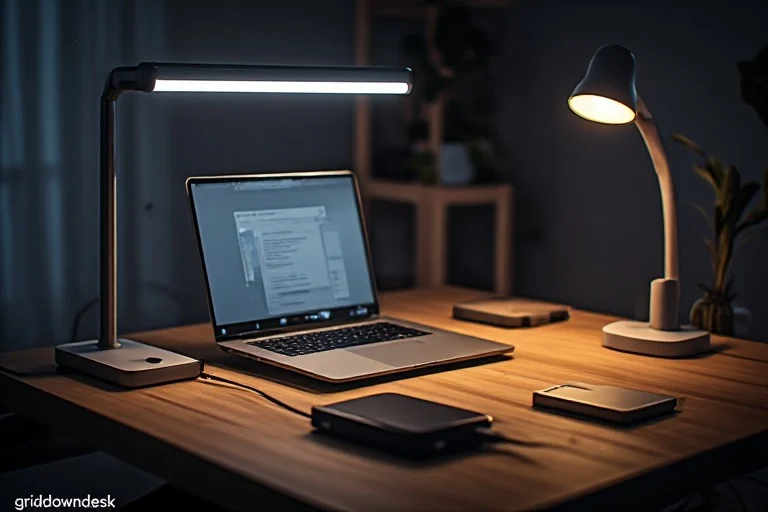
- USB-C Monitor Light Bar: 3W – 5W (provides excellent bias lighting and desk illumination without screen glare).
- Adjustable USB Desk Lamp: 3W – 5W (focused task lighting for reading physical documents or taking notes).
- Battery-Powered Clamp Lamp (AA/AAA): 1W – 2W (low lumen output, best for ambient perimeter lighting only).
- Total Lighting Load: ~6W to 10W for a fully illuminated, ergonomic dual-zone setup.
Note: Avoid using high-lumen camping lanterns on your desk. They are omnidirectional, cause harsh shadows, and create glare on your screen, defeating the purpose of task lighting.
Calculating your lighting runtime
Because lighting draws minimal power, a dedicated small battery can handle it for an entire workday, preserving your main UPS or power station for your computer. For exact battery math, see our guide on mAh to Wh battery capacity calculator.
Runtime (hours) = (Power Bank Capacity in Wh × 0.90) ÷ Total Lighting Watts
Example Calculation:
- Lighting setup: Monitor light bar (4W) + USB desk lamp (4W) = 8W total.
- Power source: 20,000mAh power bank (74Wh).
- Usable energy: 74 Wh × 0.90 = 66.6 Wh.
- Runtime: 66.6 Wh ÷ 8W = ~8.3 hours.
This provides enough light for a full 8-hour work shift, completely independent of your laptop's battery or home UPS.
Best practices for blackout ergonomics
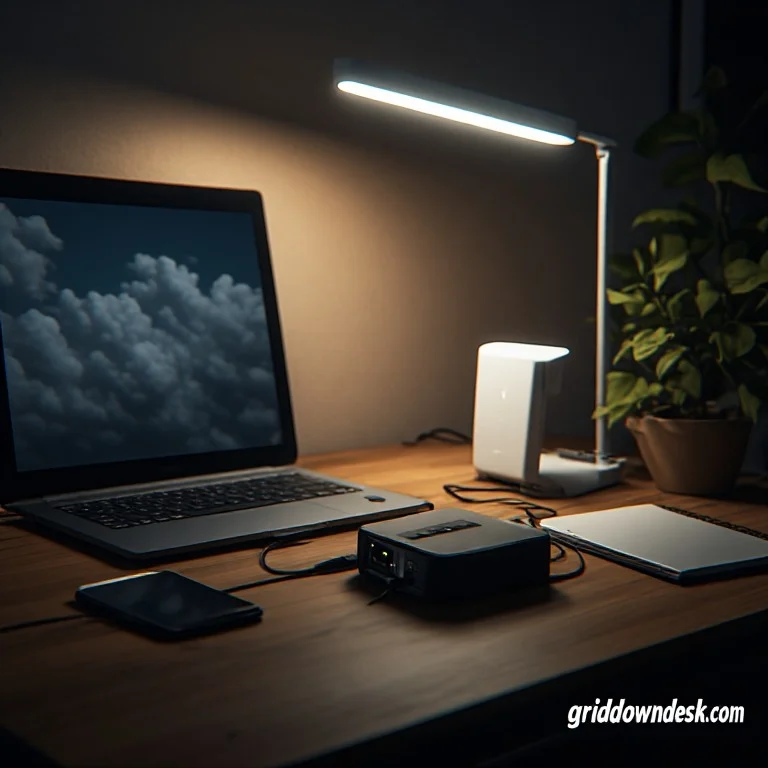
- Implement Bias Lighting: Place a light source behind your monitor, pointing at the wall. This raises the ambient light level in your field of view, reducing the contrast ratio between the screen and the room, which is the #1 cause of digital eye strain. Many USB-C monitor light bars do this perfectly.
- Match Color Temperature: Use lighting with a color temperature of 4000K (neutral white). Warm light (2700K) is too dim and sleepy for focused work, while cool light (6000K+) can increase glare and disrupt circadian rhythms if working into the evening.
- Follow the 20-20-20 Rule: In low-light conditions, eye strain accelerates. Every 20 minutes, look at something 20 feet away for at least 20 seconds. This allows your ciliary muscles to relax.
- Lower Screen Brightness: Once your desk is properly illuminated by external lights, reduce your monitor and laptop screen brightness to 40-50%. This saves laptop battery life (as detailed in our laptop battery extension guide) and further reduces harsh contrast.
Maintaining your lighting readiness
Keep a dedicated, fully charged power bank and a USB-C light bar in your desk drawer at all times. Do not rely on finding AA batteries during an emergency. Periodically check the charge level of your dedicated lighting power bank. For comprehensive battery care instructions that apply to these smaller cells as well, see our guide on how to maintain and store your portable power station.
FAQ
Can I use my smartphone flashlight for task lighting? No. Smartphone flashlights are highly directional, produce harsh, cool-toned light, and will rapidly drain your phone's battery, which you need to keep alive for emergency communications.
Are rechargeable battery-powered desk lamps better than USB-C ones? USB-C powered lamps are generally superior for blackout scenarios. Built-in battery lamps degrade over time and often have proprietary, slow micro-USB charging ports. A USB-C lamp plugged into a high-quality, maintainable power bank offers more reliable, long-term performance.
Will a monitor light bar work on a curved screen? Yes, but you must purchase a model specifically designed with a curved asymmetric optical lens. Standard flat light bars on curved monitors will cause uneven illumination and annoying reflections on the glass.
Does proper lighting really affect my posture? Absolutely. Studies in ergonomics show that inadequate task lighting causes users to decrease their viewing distance by up to 30% and increase forward head posture to resolve visual ambiguity, directly leading to cervical spine strain.