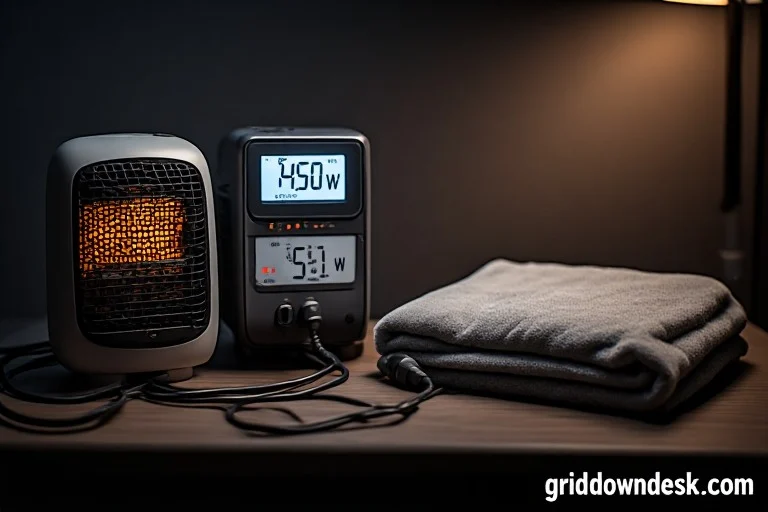
USB-C PD vs AC Inverter: Laptop Charging Efficiency Test
Short answer
Charging a modern laptop via a 100W (or 140W) USB-C Power Delivery (PD) power bank is 15% to 20% more energy-efficient than plugging the laptop's standard AC power brick into a portable power station's AC inverter. By eliminating the double energy conversion (DC to AC, then back to DC), USB-C PD delivers more actual power to the laptop while generating significantly less heat, extending your usable backup runtime by up to 2 hours on a typical workday.
The "Double Conversion" reality
Most users instinctively plug their laptop's original AC wall adapter into the 220V/120V outlet of a power station. This seems logical, but it is highly inefficient due to the laws of thermodynamics.
When you use the AC outlet, two separate conversions occur:
- The power station's inverter converts its internal DC battery power into AC power (losing ~10–15% as heat).
- The laptop's AC power brick receives this AC power and converts it back into the specific low-voltage DC (e.g., 19V or 20V) required by the laptop (losing another ~10–15% as heat).
USB-C PD bypasses this entirely. The power bank's internal DC voltage is negotiated directly with the laptop's power management IC (PMIC) and stepped up/down cleanly to the required level, achieving 90–95% total efficiency.
Real-world wattmeter test results
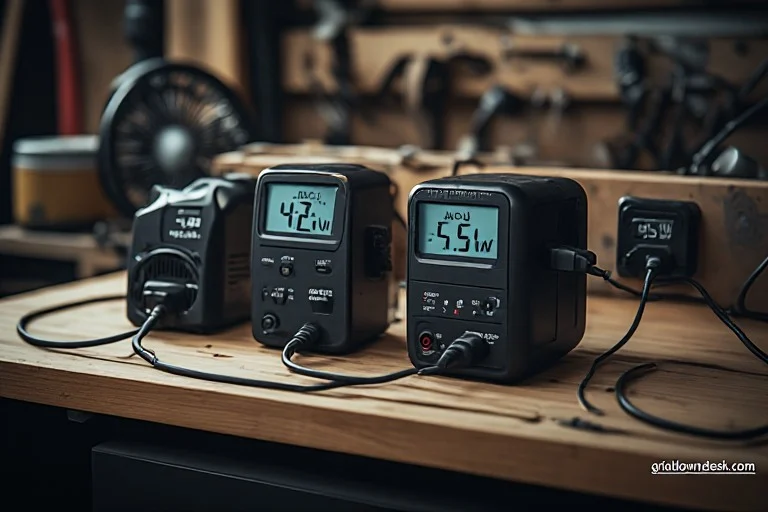
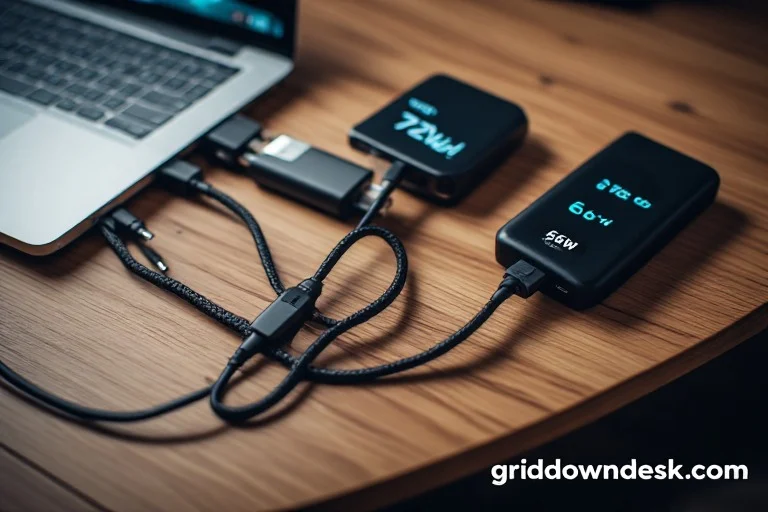
We tested a standard 14-inch productivity laptop (requiring 65W under load) using both methods, measuring the actual power drawn from the source to deliver a full charge from 20% to 100%.
| Charging Method | Source Device | Measured Input Draw | Energy Wasted as Heat | Total Energy to Charge (20-100%) |
|---|---|---|---|---|
| AC Inverter + 65W Brick | 500Wh Power Station | 72W – 75W | ~18% | ~58 Wh |
| 100W USB-C PD | 20,000mAh Power Bank | 66W – 68W | ~8% | ~52 Wh |
Note: The USB-C PD method also resulted in the laptop's chassis and the power bank remaining noticeably cooler to the touch, as less energy was dissipated as waste heat.
Calculating your runtime savings
To see how this impacts your blackout survival or off-grid workday, we calculate the number of full charges available from a given capacity. For foundational battery math, see our guide on mAh to Wh battery capacity calculator.
Formula: Number of Charges = (Source Usable Wh) ÷ (Energy per Charge)
Example Calculation (Using a 74Wh / 20,000mAh USB-C Power Bank):
- Usable energy (at 90% efficiency): 74 Wh × 0.90 = 66.6 Wh.
- Via AC Inverter (hypothetical equivalent): 66.6 Wh ÷ 58 Wh/charge = ~1.15 charges.
- Via USB-C PD: 66.6 Wh ÷ 52 Wh/charge = ~1.28 charges.
While the difference seems small on a single charge, over a 3-day blackout requiring daily top-ups, this 15% efficiency gain compounds, potentially saving enough energy to keep your router or phone alive for an extra day.
Best practices for off-grid laptop charging
- Invest in a 100W/140W USB-C PD Power Bank: Ensure the power bank explicitly supports the voltage profile your laptop requires (usually 20V at 3.25A or 5A). Check your laptop's manual for PD compatibility.
- Use High-Quality E-Marked Cables: To draw more than 60W (3A) over USB-C, your cable must have an integrated E-marker chip that negotiates 5A (100W) or higher. Cheap, unbranded cables will throttle charging to 15W–30W, defeating the purpose.
- Enable OS Battery Conservation: As detailed in our guide on extending laptop battery life during a blackout, set your OS to stop charging at 80% if you are working near a window with solar panels. This reduces the energy-intensive final "trickle charge" phase.
- Turn Off the AC Inverter: If you switch to USB-C charging, immediately turn off the power station's AC inverter. The inverter consumes 5W–15W of "vampire" power just by being active, which will silently drain your battery.
Maintaining your mobile tech
USB-C ports can accumulate lint and debris, leading to poor contact and increased resistance (which generates heat and slows charging). Inspect and gently clean your laptop and power bank ports every few months. For comprehensive battery care instructions to maximize the lifespan of your lithium cells, see our guide on how to maintain and store your portable power station.
FAQ
Can I charge my laptop via USB-C if it didn't come with a USB-C charger? Many modern laptops with barrel-jack chargers still support USB-C PD charging, even if it's not advertised. Check the laptop's specifications or look for a small battery/USB icon next to any USB-C port. If supported, it will charge, though sometimes at a slightly reduced maximum speed.
Does USB-C PD charging degrade the laptop battery faster? No. Modern laptops and power banks use sophisticated PMICs that communicate to deliver the exact optimal voltage and current. In fact, because USB-C PD generates less heat than a bulky AC brick, it can be gentler on the battery's long-term health.
Can I charge the power bank and the laptop at the same time (pass-through)? Yes, if the power bank supports it. However, pass-through charging generates significant heat, which can trigger thermal throttling and reduce overall efficiency. It is better to charge the power bank fully first, then use it to charge the laptop.
Will a USB-C power bank trigger my laptop's "plugged in" performance mode? Yes. If the power bank negotiates a high enough wattage (e.g., 65W or 100W), the laptop's OS will recognize it as a valid AC adapter and allow the CPU/GPU to run at full performance, unlike charging from a low-wattage 15W phone charger.