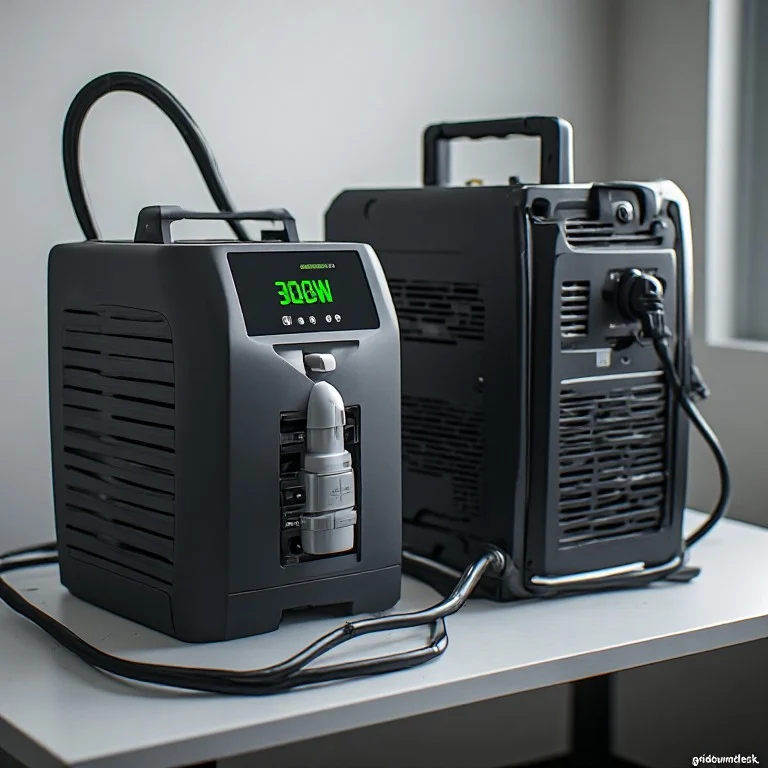
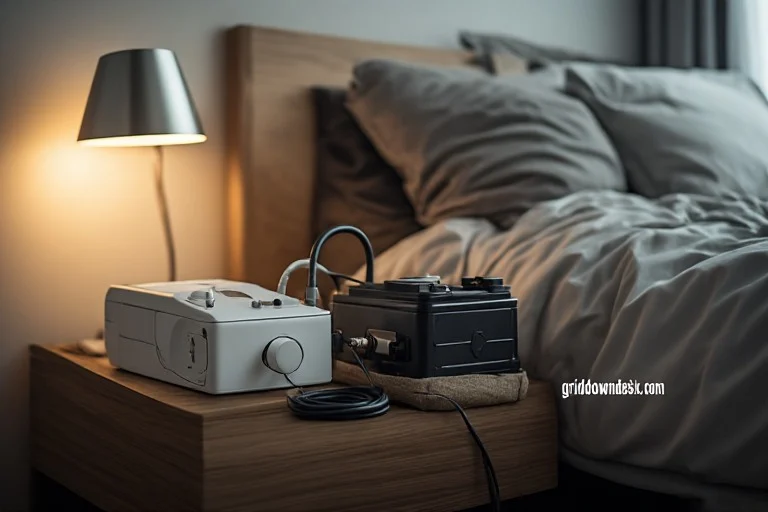
Portable Power Station Maintenance & Storage Guide
Short answer
To maximize the lifespan of your portable power station, store it in a cool, dry place (ideally 10°C to 25°C / 50°F to 77°F) at a 50% to 70% state of charge. Check and top up the charge every 3 to 6 months. Avoid storing the unit at 0% or 100% for extended periods, and never charge a LiFePO4 battery when its internal temperature is below freezing (0°C / 32°F).
The battery degradation reality
Portable power stations are a significant investment. Whether your unit uses Lithium Iron Phosphate (LiFePO4) or Nickel Manganese Cobalt (NMC) chemistry, the battery cells degrade over time due to chemical aging.
While you cannot stop aging entirely, you can drastically slow it down. The two biggest accelerators of battery degradation are extreme temperatures and prolonged storage at extreme states of charge (either completely empty or completely full). Proper maintenance is the difference between a power station that lasts 2 years and one that reliably serves you for 10+ years.
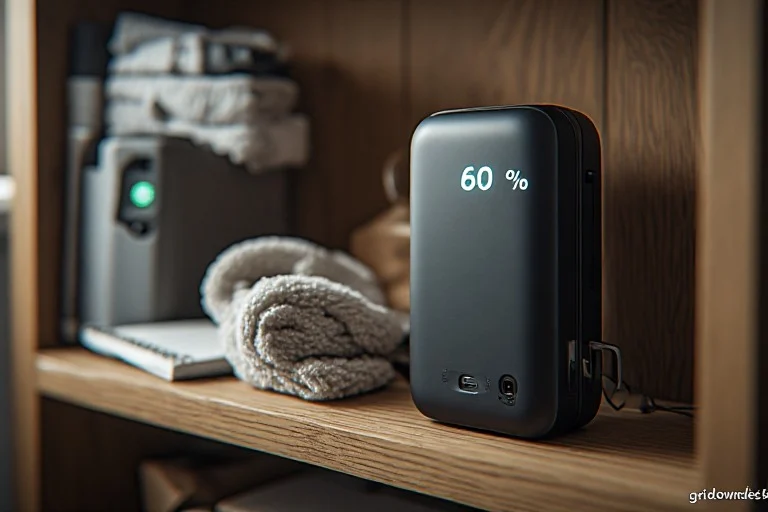
Real-world storage rules by chemistry
As detailed in our guide on LiFePO4 vs NMC battery chemistry, the two main battery types have slightly different tolerances.
For LiFePO4 (Lithium Iron Phosphate):
- Ideal Storage Charge: 50% to 70%.
- Temperature: Store between 0°C and 25°C (32°F to 77°F).
- Critical Warning: Never charge a LiFePO4 battery below 0°C (32°F). Charging frozen cells causes "lithium plating," which permanently destroys capacity and creates internal short-circuit risks. (Some premium models have built-in battery heaters that prevent charging until warmed up).
- Lifespan: 3,000+ cycles to 80% capacity. Very stable, but still requires periodic top-ups.
For NMC (Standard Lithium-ion):
- Ideal Storage Charge: 40% to 60%. NMC is more stressed at high voltages than LiFePO4.
- Temperature: Store between 10°C and 25°C (50°F to 77°F). NMC degrades faster in high heat.
- Critical Warning: Avoid deep discharges. Leaving an NMC battery at 0% for several months can cause the voltage to drop below the BMS recovery threshold, permanently "bricking" the unit.
- Lifespan: 500 to 800 cycles to 80% capacity. Requires stricter charge management.
The 4-step maintenance checklist
Perform this routine every 3 to 6 months, even if you haven't used the device:
- Check the State of Charge (SoC): Turn on the unit. If it has dropped below 50%, plug it into the wall and charge it back up to 60-70%. Do not charge it to 100% for long-term storage.
- Inspect the ports and cables: Look for dust, debris, or bent pins in the AC, USB, and DC ports. Clean them gently with compressed air. Inspect charging cables for fraying or exposed wires.
- Update the firmware: Many modern power stations (like EcoFlow or Bluetti) allow firmware updates via a smartphone app. These updates often improve BMS accuracy, charging efficiency, and safety protocols.
- Run a self-test (Optional but recommended): Plug in a small load (like a 60W light bulb) for 10 minutes to ensure the inverter and battery management system are communicating correctly and the fans are spinning freely.
Best practices for daily use
- Avoid "Vampire" loads: When not in use, turn the main AC/DC power buttons completely off. Leaving the screen on or USB ports active will slowly drain the battery, potentially leading to a deep discharge over a few weeks.
- Manage heat during charging: Fast charging generates significant heat. Ensure the power station is in a well-ventilated area, not tucked into a tight cabinet or covered by a blanket.
- Clean the exterior: Wipe the unit with a dry or slightly damp microfiber cloth. Do not use harsh chemical solvents, which can degrade the plastic housing or screen coating.
For help determining if your current setup has enough capacity to justify the investment in proper maintenance, refer to our home backup power calculator sizing guide.
FAQ
Can I leave my power station plugged into the wall 24/7? Most modern units support "UPS mode" or "pass-through charging," which is designed for this. The unit powers your devices directly from the wall while keeping the battery topped off. However, for long-term storage (weeks of non-use), it is still better to unplug it and store it at 60%.
What should I do if my power station won't turn on after storage? It has likely entered a deep sleep or protection mode due to low voltage. Plug it into the original wall charger and leave it for at least 2-4 hours. The BMS may need time to slowly revive the cells before the screen turns on. If it still fails, contact the manufacturer.
Is it safe to store the power station in my car or garage? Only if the temperature remains moderate. A car trunk in summer can exceed 60°C (140°F), which will rapidly degrade NMC cells and stress LiFePO4 cells. In winter, an unheated garage can drop below freezing, risking LiFePO4 charging damage. A climate-controlled indoor closet is always best.
Do I need to fully discharge the battery before storing it? Absolutely not. This is an outdated myth from old Nickel-Cadmium (NiCd) batteries. Fully discharging modern lithium batteries causes chemical stress and accelerates capacity loss. Always store at partial charge.