UPS vs Portable Power Station: Which Do You Need?
Short answer
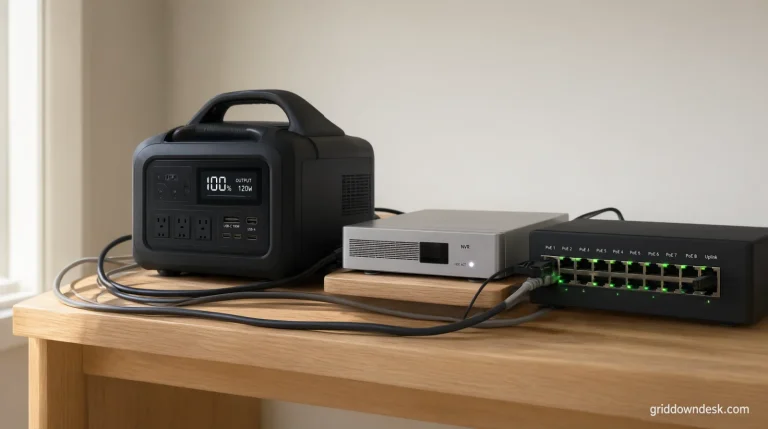
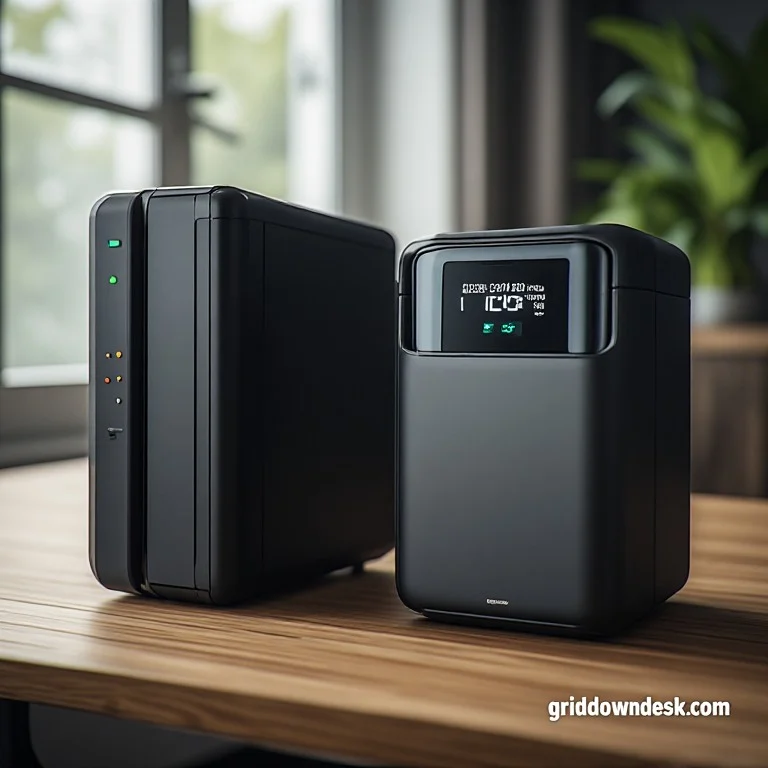
Choose a traditional UPS if you need instant, zero-interruption power for a desktop PC, router, or NAS to prevent data loss during brief outages. Choose a portable power station if you need versatile, high-capacity power (500Wh to 2000Wh+) to run laptops, medical devices, or appliances for hours, or if you plan to recharge via solar panels during extended blackouts.
Core differences in design and purpose
While both devices store energy in batteries and provide AC outlets, they are engineered for fundamentally different tasks.
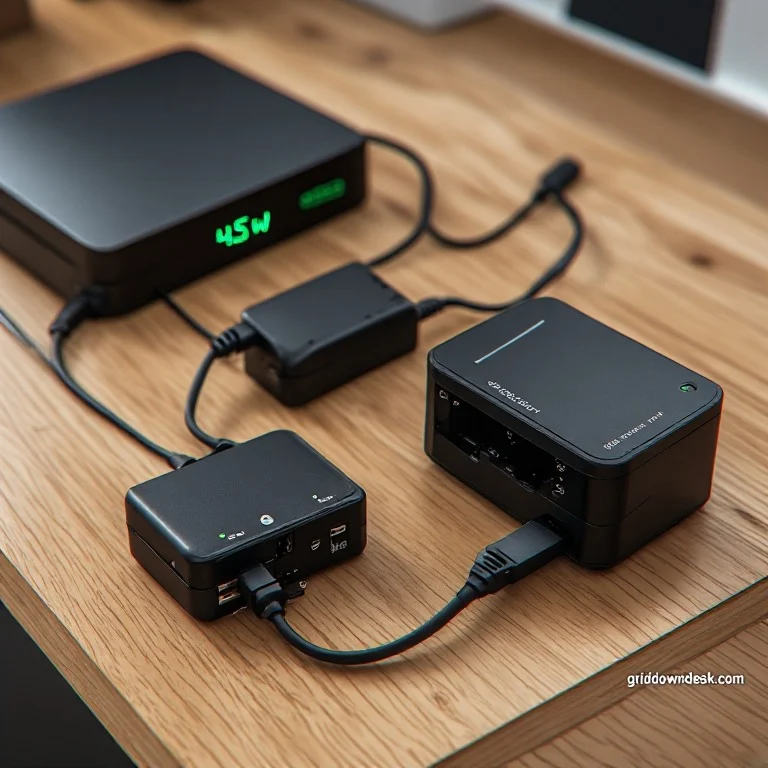
Traditional UPS (Uninterruptible Power Supply): Designed for one specific job: providing instantaneous backup power (typically 2 to 10 milliseconds switchover time) to sensitive electronics. They prioritize fast response and voltage regulation (AVR) over long runtime. Most use sealed lead-acid (SLA) batteries, which are heavy, have a shorter lifespan (3-5 years), and are not designed for deep, repeated discharges.
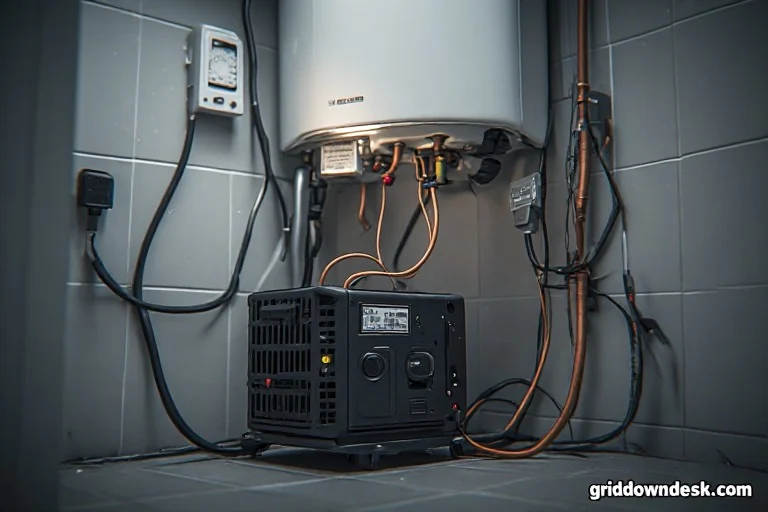
Portable Power Station: Designed as a versatile, mobile energy source. They prioritize high energy density, multiple output options (AC, USB-C PD, 12V DC), and rechargeability via solar panels. Modern units use Lithium-ion (NMC) or Lithium Iron Phosphate (LiFePO4) batteries, offering 1000 to 3000+ charge cycles. However, their AC switchover time is usually 20-30 milliseconds, which may cause some sensitive desktop PCs to reboot.
Head-to-head comparison
| Feature | Traditional UPS | Portable Power Station |
|---|---|---|
| Primary Use Case | Instant PC/Server protection | Extended runtime, mobility, solar charging |
| Switchover Time | 2-10 ms (Seamless for PCs) | 20-30 ms (May reboot some desktops) |
| Battery Chemistry | Sealed Lead-Acid (SLA) | NMC or LiFePO4 (Lithium) |
| Lifespan (Cycles) | 300 – 500 cycles | 500 (NMC) to 3000+ (LiFePO4) cycles |
| Recharging Options | Wall outlet only | Wall, Solar (MPPT), Car (12V) |
| Output Ports | AC outlets, sometimes USB-A | AC, USB-C PD (up to 100W), 12V DC |
| Cost per Watt-Hour | Higher (due to SLA and low capacity) | Lower (especially for LiFePO4 models) |
Matching the solution to your scenario
Scenario 1: The Home Office Desktop & Router
Winner: Traditional UPS (or a dedicated Mini UPS for the router) If your primary goal is to save your Word document and safely shut down a desktop PC when the power flickers, a line-interactive UPS with pure sine wave output is the most reliable and cost-effective choice. For the router, a small 12V mini UPS is even more efficient. For details on router backup, see our guide on keeping Wi-Fi on during a blackout.
Scenario 2: The Gaming Setup or Home Server
Winner: Hybrid Approach or High-End Power Station A gaming PC draws high wattage (600W+). A traditional UPS capable of this load is heavy, loud, and expensive. A portable power station with a 2000W pure sine wave inverter and 1000Wh+ capacity can keep the system running for 30-60 minutes, giving you ample time to finish a match or shut down. Ensure the power station has a low switchover time or use it as a pre-emptive backup (switch to it before a known storm).
Scenario 3: Medical Devices (CPAP, Oxygen Concentrators)
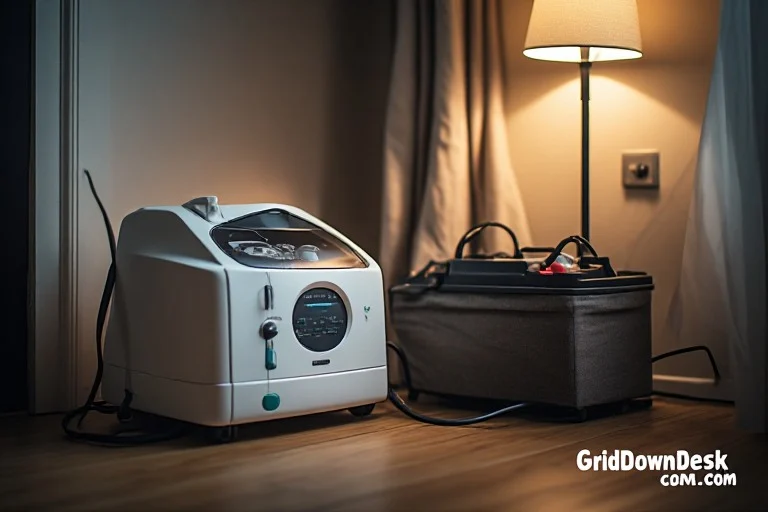
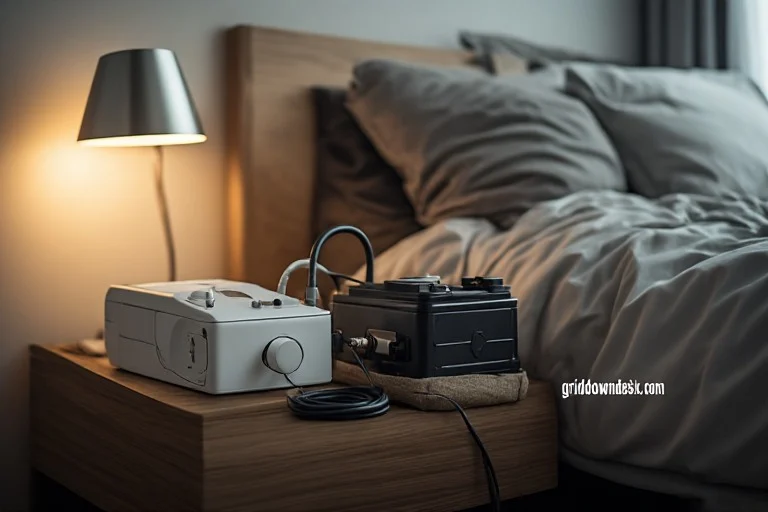
Winner: Portable Power Station (LiFePO4) Medical devices require clean, reliable power for extended periods (e.g., 8 hours of sleep). A traditional UPS will die in under an hour. A LiFePO4 portable power station provides the necessary capacity, pure sine wave output, and the ability to recharge via solar during multi-day outages. For specific medical calculations, refer to our oxygen concentrator battery backup guide.
Scenario 4: Camping and Off-Grid Living
Winner: Portable Power Station This is the native environment for power stations. Their ability to charge from solar panels, power 12V coolers directly via DC (avoiding inverter loss), and charge laptops via USB-C makes them indispensable. A traditional UPS is useless here due to its lack of solar input and heavy weight.
The hidden cost of traditional UPS ownership
Many buyers focus only on the upfront price. A 1500VA UPS might cost $200, while a 1000Wh LiFePO4 power station costs $600. However, the UPS battery will likely need replacement every 3 to 4 years at a cost of $50-$100, and it offers very limited runtime. Over a 10-year period, the LiFePO4 power station often proves cheaper per watt-hour delivered, while also providing the added utility of USB-C charging and solar compatibility.
For best practices on maximizing the lifespan of any lithium backup system, see our guide on how to maintain and store your portable power station.
FAQ
Can I use a portable power station as a UPS for my desktop computer? It depends. Some high-end power stations advertise a "UPS mode" with a switchover time of under 20ms. While this works for many modern PC power supplies with Active PFC, it is not as guaranteed as a true online or line-interactive UPS. Test it carefully before relying on it for critical data.
Why does my UPS beep loudly during a blackout? The beeping is an alarm indicating that the unit is running on battery power. Most UPS models allow you to mute this alarm via a physical button or companion software, which is highly recommended for home office environments.
Can I expand the battery capacity of a traditional UPS? Some enterprise-grade UPS models support external battery packs, but consumer-grade units do not. Portable power stations, however, frequently offer expandable battery modules, allowing you to double or triple your capacity as your needs grow.
Is it safe to leave a portable power station plugged in 24/7 like a UPS? Yes, if the manufacturer explicitly states it supports "pass-through charging" or "UPS mode". In this mode, the device powers your equipment directly from the wall while keeping the battery topped off, only switching to battery when the grid fails.